
Best Laptops for College Students in Nepal – Complete Buying Guide by Alam Tech
Introduction: Best Laptops for College Students in Nepal
Best Laptops for College Students in Nepal: Choosing the right laptop for college is one of the most important academic decisions a student can make. In today’s education system, laptops are not just optional devices — they are essential tools for attending online classes, preparing assignments, conducting research, designing projects, coding programs, editing videos, and even collaborating with classmates.
At Alam Tech, we regularly guide college students across Nepal to select laptops that match their field of study, daily workload, and budget. This complete guide will help you understand what makes a laptop ideal for college students, which specifications matter most, and how to choose the best option without overspending.
Why College Students Need the Right Laptop
College life demands flexibility and performance. Students move between classrooms, libraries, hostels, and homes. They attend virtual lectures, use research platforms, prepare presentations, and sometimes run specialized software depending on their field of study.
A good college laptop should offer:
-
Reliable performance
-
Lightweight portability
-
Long battery life
-
Fast storage (SSD)
-
Strong build quality
-
Comfortable keyboard
-
Affordable pricing
At Alam Tech, we focus on helping students invest in laptops that can last throughout their entire academic journey.
Key Factors to Consider Before Buying a College Laptop
Before selecting a laptop, students should evaluate their specific academic needs. Not all college courses require high-end machines. Buying wisely ensures long-term satisfaction.
Processor (CPU)
The processor determines how fast your laptop performs tasks. For most college students:
-
Intel Core i5 or AMD Ryzen 5 is ideal
-
Intel Core i3 or Ryzen 3 works for basic coursework
-
Higher-end processors are required for engineering, IT, or multimedia
At Alam Tech, we recommend processors that balance power and efficiency for multitasking and research.
RAM (Memory)
RAM affects multitasking performance. Students often open multiple browser tabs, PDFs, presentations, and communication apps simultaneously.
-
8GB RAM is the recommended minimum
-
16GB RAM is ideal for technical or creative courses
More RAM ensures smoother performance during exams, presentations, and project submissions.
Storage (SSD vs HDD)
SSD storage is essential in 2026. It makes the laptop faster, reduces boot time, and improves overall responsiveness.
-
256GB SSD is minimum
-
512GB SSD is ideal
Alam Tech strongly recommends SSD-based laptops for all college students.
Battery Life
Students often attend long lectures or study in places without charging access. A laptop with 6–10 hours of battery backup is highly practical.
Weight and Portability
Lightweight laptops (1.2kg to 1.7kg) are easier to carry in backpacks daily. Portability matters more than many students realize.

Best Laptops for College Students in Nepal
Best Laptops for General College Use
Students studying management, humanities, education, commerce, or general science do not require heavy hardware. They need reliable, affordable laptops that handle documents, presentations, and online research smoothly.
At Alam Tech, we recommend:
-
Mid-range Intel Core i5 or Ryzen 5 laptops
-
8GB RAM with SSD storage
-
Lightweight designs
-
Good battery life
These laptops provide the perfect balance between price and performance.
Best Laptops for Engineering Students
Engineering students use software such as AutoCAD, MATLAB, SolidWorks, and programming environments. These applications demand higher performance.
Recommended Specifications
-
Intel Core i7 or Ryzen 7
-
16GB RAM
-
Dedicated graphics (if required by software)
-
512GB SSD
At Alam Tech, we guide engineering students to choose laptops that can handle simulations and rendering tasks without overheating.
Best Laptops for IT and Computer Science Students
Programming, app development, data analysis, and virtualization require stable and powerful laptops.
Important Features
-
Multi-core processor
-
Minimum 16GB RAM
-
Fast SSD storage
-
Comfortable keyboard for long coding sessions
Alam Tech ensures IT students get laptops capable of handling development tools and databases efficiently.
Best Laptops for Design and Multimedia Students
Graphic design, video editing, and animation demand strong graphical performance.
Recommended Specifications
-
High-performance processor
-
Dedicated GPU
-
16GB or more RAM
-
High-resolution display
At Alam Tech, we help creative students choose laptops with accurate color displays and powerful graphics for smooth editing workflows.
Best Budget Laptops for College Students
Many students in Nepal operate under limited budgets. The goal is to find a reliable laptop without overspending.
Budget-friendly college laptops should include:
-
Intel Core i3 or Ryzen 3
-
8GB RAM
-
256GB SSD
-
Lightweight design
Alam Tech carefully selects affordable models that do not compromise on essential performance.
Importance of Build Quality for Students
College life can be rough on devices. Laptops are carried in backpacks, used in crowded classrooms, and sometimes handled carelessly.
Durable build quality ensures:
-
Strong hinges
-
Stable keyboard
-
Long lifespan
-
Resistance to minor impacts
At Alam Tech, we prioritize laptops that are built to survive daily student use.
Display Quality for Long Study Sessions
Students spend hours reading notes, writing assignments, and watching lectures. A good display reduces eye strain.
Important display features:
-
Full HD resolution
-
Anti-glare panel
-
Good brightness levels
Alam Tech recommends Full HD screens for better clarity and comfort.
Why SSD Storage Is Essential for Students
Slow laptops waste time and cause frustration. SSD storage ensures:
-
Fast startup
-
Quick file access
-
Smooth multitasking
-
Better performance during exams
Every college laptop recommended by Alam Tech includes SSD storage.
Battery Backup for All-Day Campus Use
Students may attend multiple lectures without charging access. A laptop with long battery life improves convenience and productivity.
Alam Tech helps students choose models with optimized battery performance to avoid interruptions during classes.
Importance of Upgrade Options
Some students may want to upgrade RAM or storage later. Choosing a laptop with upgrade flexibility ensures:
-
Extended lifespan
-
Better performance over time
-
Cost savings
We guide students at Alam Tech to consider future upgrade possibilities.
Common Mistakes College Students Make When Buying Laptops
Many students make decisions based on brand name or appearance alone. Common mistakes include:
-
Buying laptops with HDD instead of SSD
-
Choosing 4GB RAM systems
-
Ignoring battery life
-
Overspending on gaming features not needed for study
Alam Tech provides honest consultation to prevent such mistakes.
Gaming Laptops for Students – Are They Worth It?
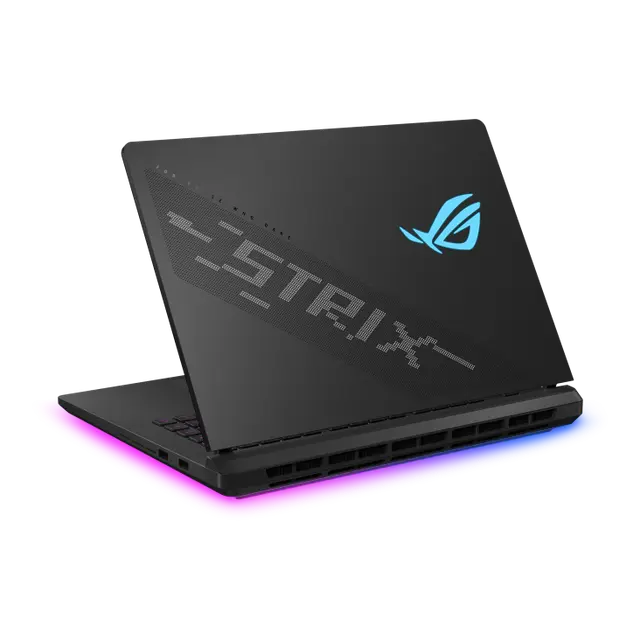
Some college students prefer gaming laptops for both study and entertainment. While gaming laptops offer high performance, they are:
-
Heavier
-
More expensive
-
Shorter battery life
At Alam Tech, we recommend gaming laptops only if the student truly needs graphics performance for studies or gaming passion.
Lightweight Laptops for Daily Commuting Students
Students who travel daily between home and college need slim and portable devices.
Ideal features include:
-
Lightweight body
-
Compact design
-
Good battery life
-
Durable build
Alam Tech offers multiple options suitable for daily commuting students.
Long-Term Investment for Academic Journey
A college laptop should last at least 3–5 years. Choosing proper specifications today ensures future compatibility with new software and operating systems.
At Alam Tech, we help students choose laptops that remain efficient throughout their academic years.
Why Buy Your College Laptop from Alam Tech
Students and parents trust Alam Tech because we offer:
-
Genuine products
-
Expert consultation
-
Transparent pricing
-
Proper guidance based on field of study
-
Assistance with warranty and upgrades
We do not simply sell laptops — we help students make smart academic investments.
Final Thoughts – Choosing the Right College Laptop in Nepal
The best laptop for a college student depends on the field of study, workload, and budget. Management students may need lightweight and affordable models. Engineering and IT students require powerful processors and more RAM. Creative students need strong graphics and high-quality displays.
Instead of focusing only on brand names, students should prioritize:
-
Processor performance
-
RAM capacity
-
SSD storage
-
Battery life
-
Build durability
At Alam Tech, our goal is simple — to help every college student in Nepal find a laptop that supports their education, improves productivity, and delivers long-term value.
If you are preparing for college or planning to upgrade your academic device, visit Alam Tech and let our experienced team guide you toward the perfect laptop for your educational journey.
Contact us:
Faqs on Best Laptops for College Students in Nepal by alam tech:-
1. What is the best laptop for college students?
The best laptop depends on your field of study and budget. Most college students benefit from a laptop with at least an Intel Core i5 or Ryzen 5 processor, 8GB RAM, and SSD storage.
2. How much RAM does a college student need?
For general academic tasks, 8GB RAM is sufficient. Students in engineering, IT, or multimedia fields may require 16GB for smoother multitasking.
3. Is 256GB SSD enough for college?
Yes, 256GB SSD is enough for documents, presentations, and basic software. However, 512GB SSD offers more flexibility for storing large projects and media files.
4. Should students choose SSD over HDD?
Yes, SSD is much faster and improves overall laptop performance. It reduces boot time and makes applications open quickly.
5. Is a dedicated graphics card necessary for college?
Most students do not need a dedicated GPU. It is only necessary for gaming, video editing, 3D design, or engineering software.
6. What processor is best for college laptops?
Intel Core i5 or AMD Ryzen 5 processors provide an ideal balance between performance and battery efficiency for students.
7. Are lightweight laptops better for students?
Yes, lightweight laptops are easier to carry daily between classes and home. Portability is important for college convenience.
8. How important is battery life for students?
Battery life is very important, especially for long lectures. A laptop with at least 6–8 hours of backup is recommended.
9. Is 4GB RAM enough for college?
4GB RAM is not recommended in 2026. It can slow down multitasking and limit performance.
10. Should students buy gaming laptops?
Gaming laptops are powerful but heavier and more expensive. Students should buy them only if they truly need high graphics performance.
11. What screen size is best for college students?
A 14-inch or 15.6-inch display is ideal. It balances portability and comfortable viewing space.
12. Is Full HD display necessary?
Yes, Full HD (1920×1080) resolution provides better clarity and reduces eye strain during long study sessions.
13. Are touchscreen laptops useful for students?
Touchscreen laptops can be helpful for note-taking and presentations. However, they are not essential for most courses.
14. How long should a college laptop last?
A good college laptop should last 3–5 years. Proper maintenance can extend its lifespan.
15. Is MacBook good for college students?
MacBooks are excellent for creative and multimedia courses. However, some specialized software may only run on Windows.
16. Which laptop is best for engineering students?
Engineering students need powerful processors, at least 16GB RAM, and sometimes dedicated graphics for software like AutoCAD or SolidWorks.
17. Which laptop is best for IT students?
IT students benefit from strong multi-core processors, 16GB RAM, and fast SSD storage for programming and development tools.
18. Are budget laptops reliable for college?
Yes, budget laptops can handle basic academic tasks. Ensure they have SSD storage and at least 8GB RAM.
19. Is 13-inch laptop too small for college?
A 13-inch laptop is portable and suitable for travel. However, some students may prefer larger screens for comfort.
20. Should students consider upgrade options?
Yes, laptops with upgradeable RAM or storage provide long-term flexibility.
21. How important is keyboard quality?
Keyboard comfort is crucial for typing assignments and reports. A well-designed keyboard improves productivity.
22. Do students need fingerprint security?
Fingerprint sensors add convenience and security. While not essential, they are useful features.
23. Are ultrabooks good for students?
Yes, ultrabooks are lightweight and stylish with good battery life, making them suitable for college use.
24. What operating system is best for college?
Windows is widely compatible with academic software. macOS is preferred for creative work.
25. Is antivirus necessary for student laptops?
Yes, antivirus software protects against malware and data loss, especially when using public Wi-Fi.
26. How much should a student spend on a laptop?
Budget depends on course requirements. It is wise to invest in balanced specifications rather than the cheapest option.
27. Is overheating common in student laptops?
Overheating usually happens with heavy tasks. Proper ventilation and regular cleaning help prevent it.
28. Are refurbished laptops good for students?
Refurbished laptops can be affordable options if purchased from trusted sellers with warranty.
29. Should students buy laptops with pre-installed software?
Pre-installed operating systems are convenient. Additional academic software can be installed later.
30. What ports should a student laptop have?
USB ports, HDMI, and headphone jack are important. Some students may also need USB-C ports.
31. Is Wi-Fi speed important for students?
Yes, stable Wi-Fi connectivity is essential for online classes and research.
32. Can tablets replace laptops for college?
Tablets are portable but limited in software capabilities. Laptops are better for assignments and projects.
33. Are Chromebooks suitable for college?
Chromebooks are good for basic tasks but may not support specialized software required for certain courses.
34. Should students prioritize performance over design?
Performance should come first. A stylish design is beneficial but secondary to specifications.
35. Is 8GB RAM enough for multitasking?
Yes, 8GB RAM handles browsing, documents, and streaming efficiently for most students.
36. How important is storage speed?
Storage speed directly affects system responsiveness. SSD ensures faster performance.
37. Do college laptops need strong speakers?
Basic speakers are sufficient for online classes. External headphones can improve audio quality.
38. Is a backlit keyboard necessary?
Backlit keyboards are helpful for studying in low light but are not mandatory.
39. Should students buy extended warranty?
Extended warranty can provide extra protection during long academic years.
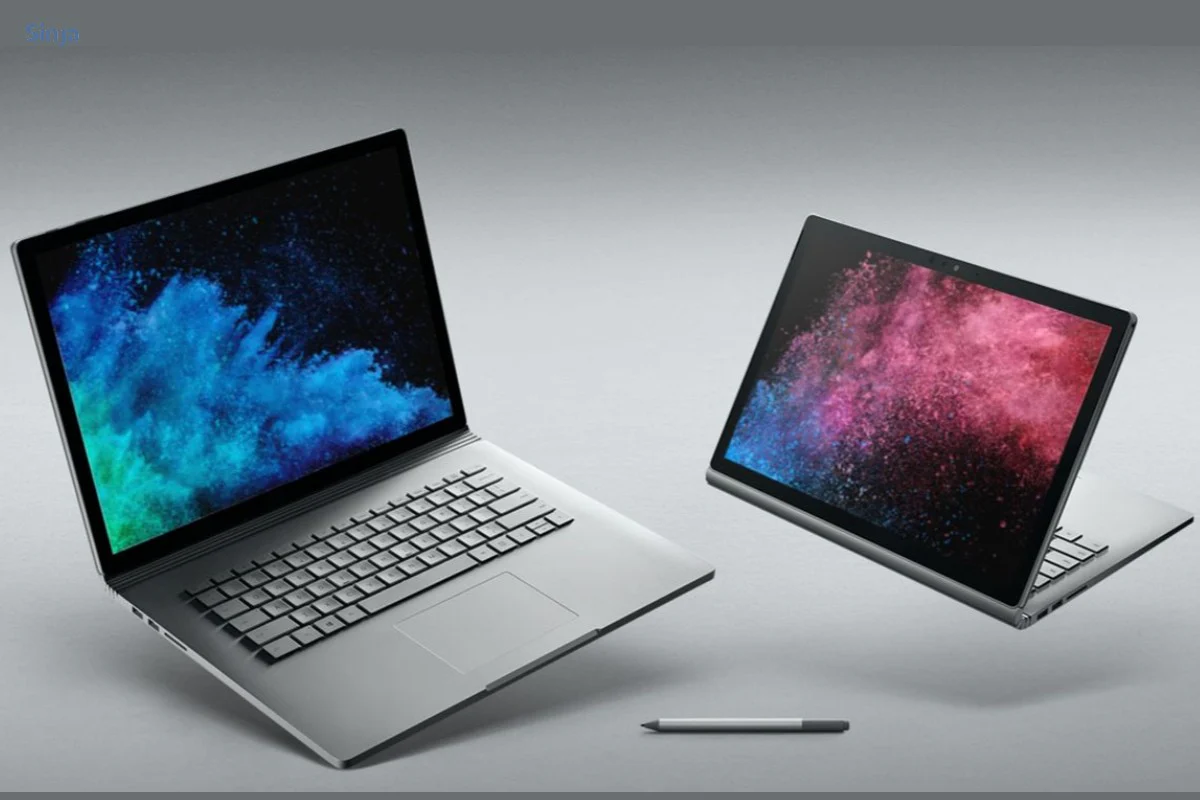
40. Are 2-in-1 laptops good for students?
2-in-1 laptops offer flexibility for note-taking and presentations. They are suitable for creative students.
41. How much battery backup is ideal?
A laptop with 8–10 hours battery life is ideal for uninterrupted campus usage.
42. Can students use gaming laptops for coding?
Yes, gaming laptops can handle coding easily due to powerful processors.
43. Is brand important when buying a college laptop?
Brand reputation matters for reliability and warranty. However, specifications are equally important.
44. Should students focus on graphics performance?
Only students in design, architecture, or gaming fields need strong graphics.
45. Is a 15.6-inch laptop too heavy?
Some 15.6-inch laptops are heavier. Students should check weight before purchasing.
46. Can students upgrade SSD later?
Many laptops allow SSD upgrades. It is wise to confirm before purchase.
47. Is webcam quality important?
Yes, clear webcam quality is useful for online classes and meetings.
48. Do students need high refresh rate displays?
High refresh rate is mainly beneficial for gaming. Standard displays are sufficient for studies.
49. Should students consider build material?
Metal or strong plastic builds improve durability and longevity.
50. How much storage do engineering students need?
Engineering students may need 512GB or more for software and project files.
51. Are slim laptops durable?
Many modern slim laptops are designed to be sturdy and reliable.
52. Should students buy laptops before college starts?
Yes, buying early allows time to install software and become familiar with the device.
53. Is overheating common in slim laptops?
Slim laptops may heat under heavy load, but normal academic tasks are usually safe.
54. What display brightness is good for students?
A brightness level of around 250–300 nits is sufficient for indoor classroom use.
55. Should students use external storage?
External storage can help manage large files and backups.
56. Is Bluetooth necessary?
Yes, Bluetooth supports wireless headphones and other accessories.
57. Can students use laptops for entertainment?
Yes, laptops can handle streaming, light gaming, and multimedia easily.
58. Is multitasking important for college?
Yes, students often run multiple apps simultaneously for research and assignments.
59. Should students prioritize battery or performance?
A balance between battery life and performance is ideal.
60. How much RAM is needed for video editing students?
Video editing students should aim for at least 16GB RAM.
61. Are fan noises common in student laptops?
Fan noise occurs under heavy load but is minimal during normal tasks.
62. Should students consider weight under 1.5kg?
Yes, under 1.5kg is ideal for portability.
63. Is storage expansion important?
Yes, future expansion extends usability.
64. Are premium laptops worth it for students?
Premium laptops offer better build and performance but may not be necessary for all students.
65. Should students compare multiple models?
Yes, comparing features ensures better decision-making.
66. Do students need powerful GPUs?
Only specific courses require strong GPUs.
67. Can basic laptops handle online exams?
Yes, most modern laptops handle online exams smoothly.
68. Is SSD speed important during exams?
Yes, faster storage prevents delays and system lag.
69. Should students consider after-sales support?
Yes, reliable service support ensures peace of mind.
70. How do students choose the best laptop?
Students should identify their course requirements, set a budget, compare specifications, and choose a balanced model that offers long-term reliability.