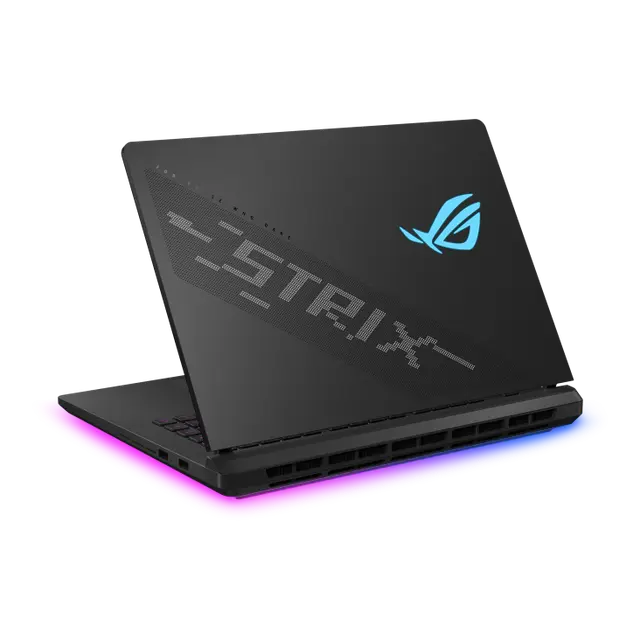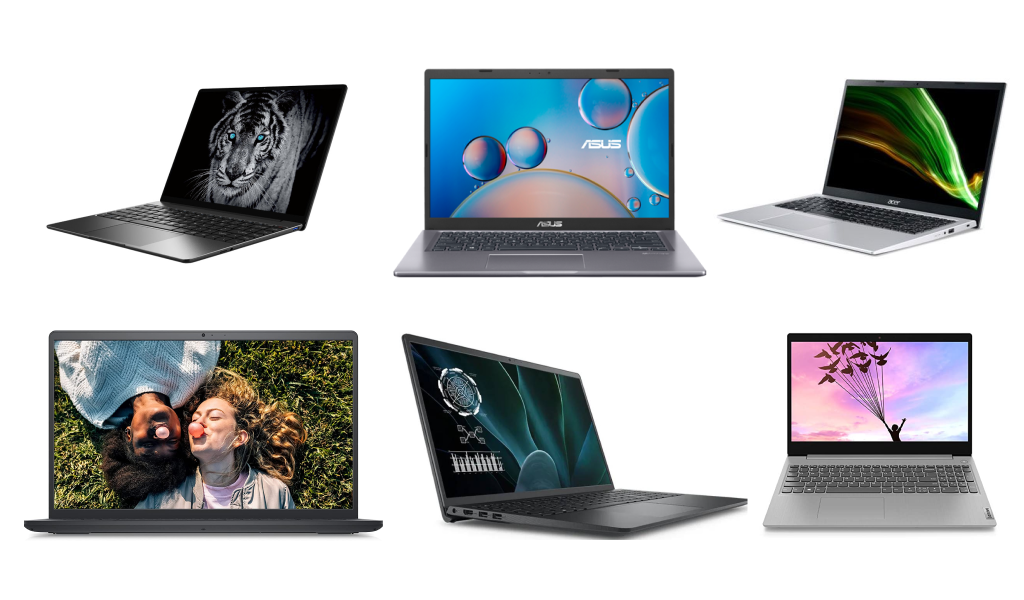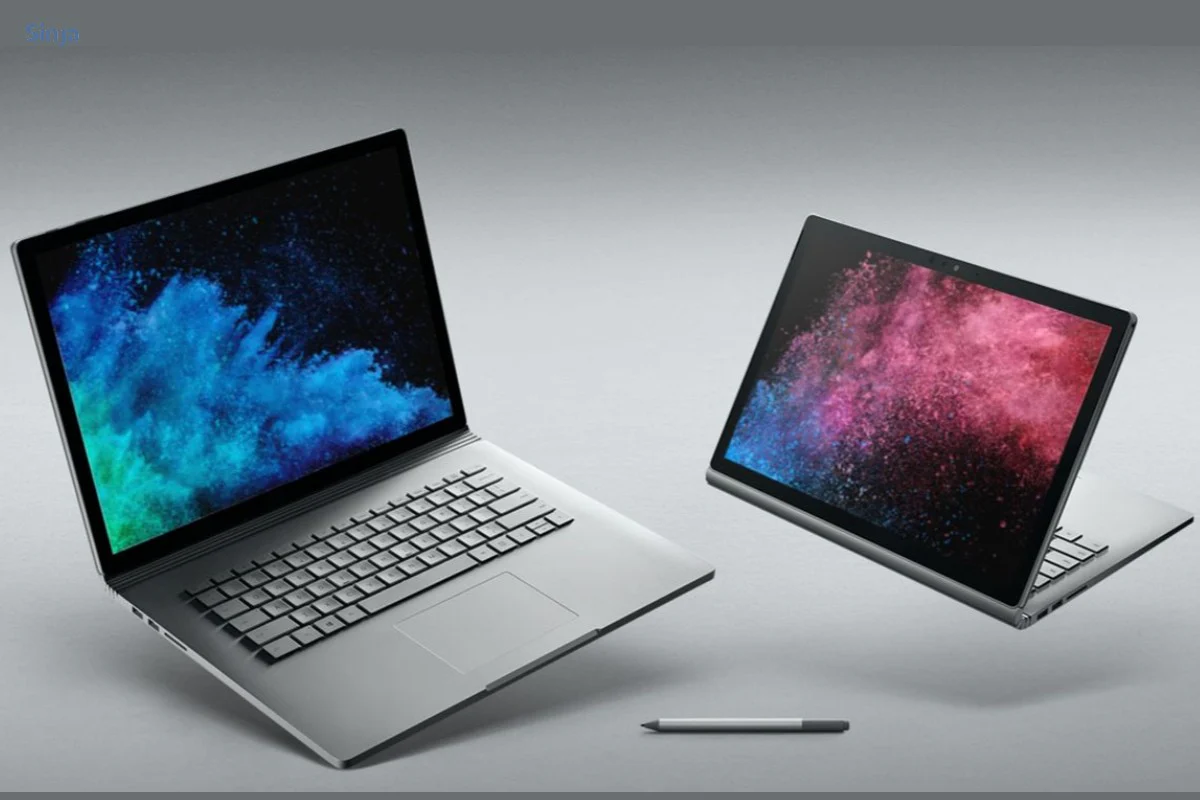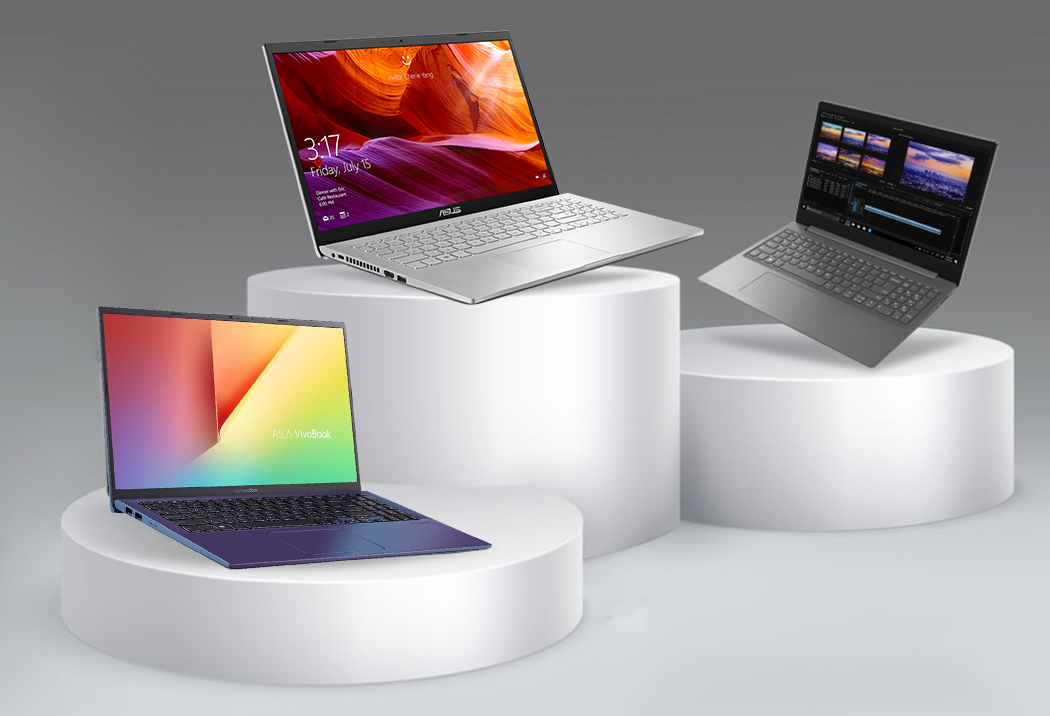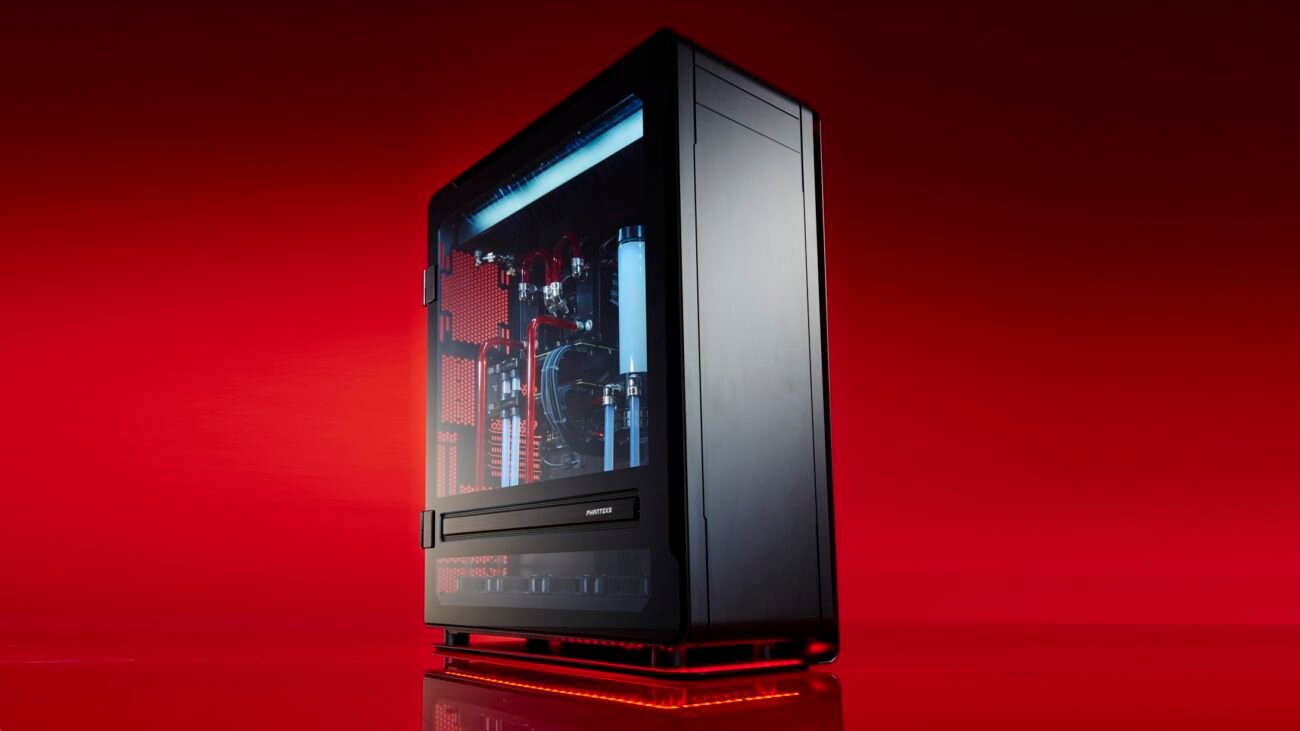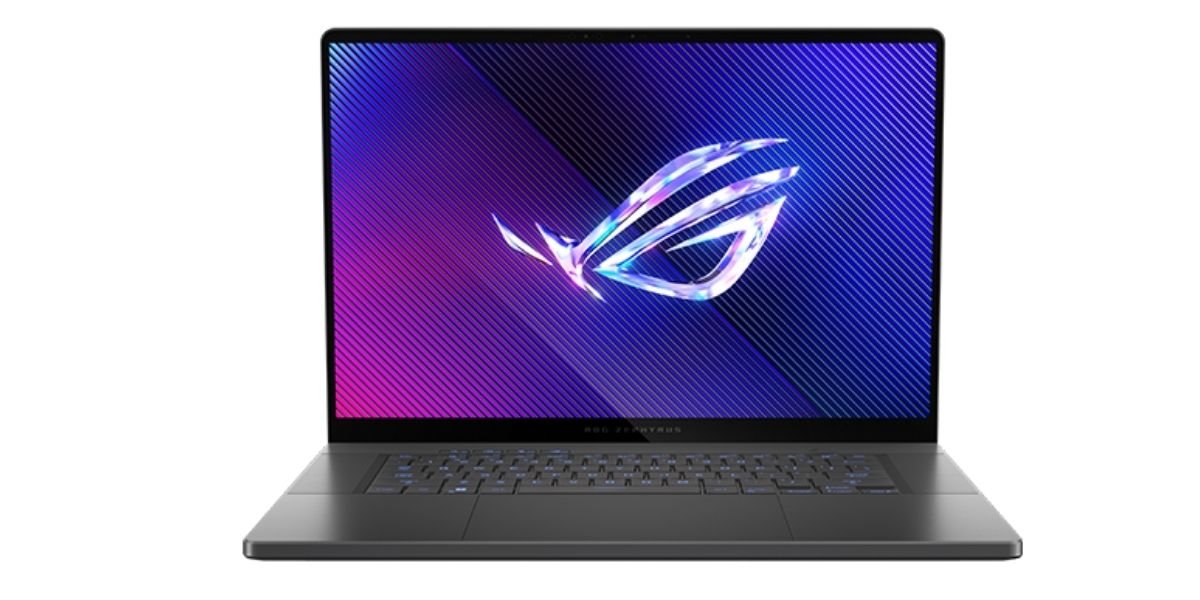

Laptops for Video Editing in Nepal – Professional Performance by Alam Tech
Introduction: Laptops for Video Editing in Nepal
Laptops for Video Editing in Nepal: Video editing has become one of the fastest-growing creative professions in Nepal. From YouTube creators and wedding videographers to advertising agencies and freelance filmmakers, powerful editing machines are no longer optional — they are essential. At Alam Tech, we understand the technical demands of video production and provide high-performance laptops designed specifically for smooth, professional editing workflows.
If you are searching for the best laptops for video editing in Nepal, Alam Tech offers carefully selected models that combine powerful processors, dedicated graphics, fast storage, and color-accurate displays. This complete guide will help you understand what makes a laptop suitable for editing and why Alam Tech is the trusted destination for creators who demand performance without compromise.
Why Video Editing Requires a Powerful Laptop
Video editing is one of the most hardware-intensive tasks you can perform on a laptop. Unlike simple office work or browsing, editing involves rendering high-resolution footage, applying color grading, layering effects, syncing audio, and exporting large files.
When you edit videos, your laptop must:
-
Decode high-resolution footage smoothly
-
Handle multiple video layers and transitions
-
Process effects and color grading in real time
-
Render and export videos efficiently
-
Maintain stable performance without overheating
At Alam Tech, we recommend laptops that are specifically capable of handling these tasks without lag or frustration.
Laptops for Video Editing in Nepal
Essential Specifications for Video Editing Laptops
Choosing the right laptop for editing requires understanding the hardware components that truly matter. Let’s break them down.
Powerful Multi-Core Processor
The processor is the brain of your editing laptop. Video editing software relies heavily on CPU performance, especially during rendering and exporting.
At Alam Tech, we recommend:
-
Latest generation multi-core processors
-
Intel Core i7 or i9 series
-
AMD Ryzen 7 or Ryzen 9 series
These processors deliver strong multi-threaded performance, reducing render time and improving workflow efficiency.
Dedicated Graphics Card (GPU)
A dedicated GPU is critical for smooth video playback and real-time effects processing. Modern editing software uses GPU acceleration for rendering transitions, color correction, and visual effects.
We guide creators toward laptops with:
-
NVIDIA RTX series graphics
-
Dedicated GPU with sufficient VRAM
-
Optimized drivers for creative applications
A strong GPU ensures timeline playback remains smooth even when working with 4K footage.
Sufficient RAM for Multitasking
RAM plays a major role in how smoothly your editing software runs. Insufficient memory causes freezing, slow preview rendering, and performance drops.
For professional editing, Alam Tech recommends:
-
Minimum 16GB RAM
-
32GB RAM for advanced 4K or heavy projects
Higher RAM allows smoother multitasking, especially when working with editing software, browser tabs, music tools, and file transfers simultaneously.
Fast SSD Storage
Video files are large, and editing software constantly reads and writes data. SSD storage dramatically improves speed compared to traditional hard drives.
At Alam Tech, we recommend:
-
NVMe SSD for faster read/write speeds
-
Minimum 512GB storage
-
1TB or higher for professionals
Fast storage reduces loading times and ensures smooth playback of high-resolution footage.
High-Quality Display for Accurate Editing
Color accuracy and resolution are crucial for video editors. A poor display can misrepresent colors, affecting the final output quality.
We recommend laptops with:
-
Full HD or higher resolution
-
IPS panel for wider viewing angles
-
Good brightness levels
-
High color accuracy
For creators working on color grading or cinematic projects, display quality is a top priority.
Types of Video Editors Who Need Powerful Laptops
Different creators have different editing needs. At Alam Tech, we help identify your usage pattern before recommending a laptop.
YouTube Content Creators
YouTube creators often edit 1080p or 4K videos, add subtitles, overlays, and background music. A balanced laptop with strong CPU, 16GB RAM, and a dedicated GPU works perfectly.
Wedding and Event Videographers
Event videographers handle large files and multiple camera angles. They require:
-
Strong multi-core processor
-
Dedicated GPU
-
Large SSD storage
-
Reliable cooling system
Alam Tech offers models that can handle long rendering sessions without overheating.
Freelance Video Editors
Freelancers often work on multiple projects simultaneously. A laptop with 32GB RAM and powerful graphics ensures efficient multitasking and professional performance.
Film Students and Media Professionals
Film students need laptops that can handle editing software, motion graphics, and sometimes basic animation. Alam Tech recommends future-proof configurations to ensure long-term usability.
1080p vs 4K Editing – What Do You Need?
Your laptop choice depends heavily on the resolution you edit.
For 1080p Editing:
-
Intel Core i7 / Ryzen 7
-
16GB RAM
-
Dedicated GPU
-
512GB SSD
For 4K Editing:
-
Intel Core i9 / Ryzen 9
-
32GB RAM
-
High-performance RTX GPU
-
1TB NVMe SSD
Alam Tech helps you choose the right setup based on your editing resolution and workflow.
Cooling and Thermal Performance
Video editing stresses hardware components for extended periods. Without proper cooling, performance drops due to thermal throttling.
We carefully select laptops with:
-
Advanced cooling systems
-
Efficient heat dissipation
-
Dual-fan setups in high-performance models
This ensures stable performance during long export sessions.
Portability for On-Location Editing
Many videographers work on-site during events, travel shoots, or outdoor projects. For them, portability matters as much as performance.
Alam Tech offers:
-
Lightweight high-performance laptops
-
Balanced design for travel
-
Strong battery optimization
This allows creators to edit while traveling without sacrificing power.
Storage Expansion and External Drives
Video projects quickly consume storage space. That’s why we recommend laptops that support:
-
Expandable storage options
-
External SSD compatibility
-
High-speed USB-C ports
Alam Tech also provides external storage solutions to complement your editing laptop.
Why Professionals Trust Alam Tech
When investing in a high-performance editing laptop, trust is essential. Alam Tech has built a reputation in Kathmandu for supplying genuine, reliable technology products.
Customers choose Alam Tech because:
-
We offer authentic products
-
We provide expert consultation
-
We understand creative workflows
-
We ensure official warranty support
-
We provide transparent pricing
Our goal is not just to sell laptops — it is to support creators in achieving professional results.
Budget Planning for Video Editing Laptops in Nepal
Editing laptops vary in price depending on specifications. Alam Tech helps customers balance:
-
Budget constraints
-
Performance needs
-
Long-term usability
-
Upgrade potential
We recommend investing in the right configuration rather than upgrading too frequently.
Software Compatibility
Video editing software demands hardware compatibility. Powerful laptops from Alam Tech support:
-
Smooth rendering
-
Real-time playback
-
GPU acceleration
-
Fast export speeds
This ensures your editing software runs efficiently without crashes or delays.
Importance of Keyboard and Build Quality
Editors spend long hours working on timelines. A comfortable keyboard and durable build improve productivity.
Alam Tech selects laptops with:
-
Responsive keyboards
-
Strong hinges
-
Durable chassis
-
Professional design
Comfort plays a significant role in long editing sessions.
Future-Proofing Your Editing Laptop
Technology evolves quickly. Choosing a laptop with:
-
Latest generation processor
-
Dedicated high-VRAM GPU
-
Expandable RAM
-
Large SSD
ensures your machine remains relevant for years.
Alam Tech guides you toward models that remain powerful even as software requirements increase.
Battery Life Considerations
While editing drains battery faster, a good laptop should still provide reasonable backup for short sessions without constant charging.
We recommend models optimized for balanced power consumption, especially for creators working on location.
After-Sales Support and Warranty
High-performance laptops are an investment. Alam Tech ensures:
-
Official warranty coverage
-
Professional service assistance
-
Clear billing and documentation
This gives creators peace of mind.
Common Mistakes When Buying an Editing Laptop
Many buyers make errors such as:
-
Choosing low RAM configurations
-
Ignoring GPU importance
-
Underestimating storage needs
-
Prioritizing slim design over performance
Alam Tech helps you avoid these mistakes with expert advice.
Why Buying Locally Matters
Purchasing from a trusted local store ensures:
-
Authentic products
-
Reliable warranty
-
Quick service support
-
Face-to-face consultation
Alam Tech provides professional guidance that online marketplaces cannot match.
Who Should Upgrade Their Laptop?
You should consider upgrading if:
-
Rendering takes too long
-
Software crashes frequently
-
Timeline playback stutters
-
Storage constantly runs out
Alam Tech can evaluate your needs and recommend a suitable upgrade.
Custom Recommendations at Alam Tech
Every editor has unique needs. At Alam Tech, we:
-
Understand your project type
-
Identify resolution requirements
-
Recommend suitable configurations
-
Explain upgrade options
-
Ensure warranty clarity
Our consultation approach ensures complete satisfaction.
Final Thoughts – Invest in Performance with Alam Tech
Video editing requires more than a standard laptop. It demands power, speed, stability, and display accuracy. Whether you are a beginner YouTuber or a professional filmmaker, choosing the right editing laptop makes your workflow smoother and more efficient.
Alam Tech is committed to providing high-performance laptops for video editing in Nepal. With expert guidance, genuine products, competitive pricing, and reliable after-sales support, we help creators bring their vision to life without technical limitations.
If you are ready to upgrade your editing experience, Alam Tech is your trusted technology partner in Kathmandu.
Contact us:
Faqs on Laptops for Video Editing in Nepal by Alam tech:-
1. What type of laptop is best for video editing?
A laptop with a powerful multi-core processor, dedicated graphics card, at least 16GB RAM, and SSD storage is ideal for video editing. Alam Tech recommends high-performance configurations tailored for smooth editing workflows.
2. Is 16GB RAM enough for video editing?
Yes, 16GB RAM is sufficient for 1080p and moderate 4K editing. However, for heavy 4K projects or advanced effects, 32GB is more suitable.
3. Why is a dedicated GPU important for video editing?
A dedicated GPU accelerates rendering, effects processing, and playback performance. It significantly reduces export times and ensures smoother timeline previews.
4. Can I edit 4K videos on a laptop?
Yes, but you need a powerful processor, at least 16–32GB RAM, and a capable GPU. Alam Tech offers laptops specifically designed for 4K editing performance.
5. Is SSD storage necessary for video editing?
Absolutely. SSD storage provides faster file access, quicker boot times, and smoother editing compared to traditional hard drives.
6. How much storage do video editors need?
At least 512GB SSD is recommended, but 1TB or more is ideal for large video projects. External storage can also help manage large files.
7. Which processor is better for editing?
Intel Core i7/i9 and AMD Ryzen 7/9 processors are excellent for editing. They provide strong multi-core performance for faster rendering.
8. Does screen resolution matter for editing?
Yes, higher resolution displays allow better preview clarity and precise editing. Full HD is minimum, while higher resolutions offer improved detail.
9. What display features are important for video editing?
Color accuracy, IPS panels, and good brightness levels are crucial. They ensure accurate color grading and consistent visuals.
10. Can lightweight laptops handle video editing?
Some lightweight laptops can handle basic editing. However, professional editing requires stronger hardware configurations.
11. Is cooling important for editing laptops?
Yes, video editing stresses hardware for long durations. Efficient cooling prevents overheating and performance drops.
12. How important is VRAM in video editing?
VRAM affects how smoothly graphics-heavy tasks run. More VRAM improves performance in 4K editing and complex effects.
13. Can I use an external monitor for editing?
Yes, most editing laptops support external monitors. This expands workspace and improves editing efficiency.
14. Are gaming laptops good for video editing?
Yes, gaming laptops often have powerful CPUs and GPUs suitable for editing tasks.
15. How long does rendering usually take?
Rendering time depends on project complexity and hardware power. Stronger laptops from Alam Tech significantly reduce render times.
16. Is battery life important for editing laptops?
While editing consumes more power, decent battery life helps during on-location work.
17. Can I upgrade RAM later?
Some laptops allow RAM upgrades, while others have fixed memory. It’s important to check upgrade options before buying.
18. What ports are important for video editors?
USB-C, HDMI, USB-A, and SD card readers are essential. They allow connection to cameras and external drives.
19. Is 8GB RAM enough for editing?
8GB is not recommended for professional editing. It may cause lag and slow performance.
20. Why buy editing laptops from Alam Tech?
Alam Tech offers genuine products, expert guidance, and official warranty support tailored to creators’ needs.
21. Can editing laptops handle multitasking?
Yes, especially with 16GB or more RAM. They can run editing software alongside other applications smoothly.
22. Is color calibration important?
Yes, accurate color calibration ensures your final video looks consistent across different screens.
23. What storage type is best?
NVMe SSD is the fastest and most reliable storage type for editing tasks.
24. Can I edit videos for YouTube on these laptops?
Yes, laptops recommended by Alam Tech are perfect for YouTube content creation.
25. Do editing laptops support motion graphics?
Yes, high-performance laptops can handle motion graphics and visual effects software.
26. Is overheating common during editing?
It can happen on low-quality laptops. Alam Tech provides models with advanced cooling systems.
27. Can I use editing laptops for photography?
Yes, they are excellent for photo editing due to strong processors and color-accurate displays.
28. What is the minimum processor for editing?
At least Intel Core i5 or Ryzen 5, but i7 or Ryzen 7 is strongly recommended.
29. How much VRAM is good for 4K editing?
6GB or more VRAM is recommended for smooth 4K editing.
30. Are editing laptops expensive?
Prices vary based on specifications. Alam Tech offers options for different budgets.
31. Do editing laptops come with warranty?
Yes, Alam Tech provides official warranty support for peace of mind.
32. Is 1TB storage enough?
For many professionals, 1TB is sufficient. However, external storage is often used for backups.
33. Can I travel with an editing laptop?
Yes, many models are portable enough for travel editing projects.
34. Does processor generation matter?
Yes, newer generations provide better efficiency and performance.
35. What is thermal throttling?
Thermal throttling occurs when a laptop reduces performance due to overheating.
36. Are editing laptops heavy?
High-performance models can be slightly heavier due to cooling systems.
37. Is build quality important?
Yes, durable construction ensures long-term reliability.
38. Can I edit full-length movies on a laptop?
Yes, with high-end configurations recommended by Alam Tech.
39. Is Wi-Fi speed important?
Yes, especially for cloud backups and uploading large files.
40. Are touchscreens useful for editing?
They are optional but not essential for most editors.
41. Can editing laptops handle animation?
Yes, strong CPU and GPU configurations support animation software.
42. How much RAM is ideal for professionals?
32GB is ideal for professional-level 4K and heavy projects.
43. Do editing laptops support fast export?
Yes, powerful hardware ensures faster export times.
44. Is storage expansion possible?
Some models support storage upgrades.
45. What keyboard features matter?
Comfortable key travel and backlighting improve productivity.
46. Are editing laptops noisy?
Powerful cooling systems may produce some noise under heavy load.
47. Can I connect multiple monitors?
Yes, many models support dual monitor setups.
48. Is SSD speed noticeable?
Yes, faster SSD significantly improves workflow efficiency.
49. Do editing laptops support high frame rate videos?
Yes, strong configurations handle high FPS footage smoothly.
50. Can beginners use professional editing laptops?
Yes, investing early ensures long-term usability.
51. Are editing laptops good for live streaming?
Yes, they can handle streaming and editing simultaneously.
52. Is screen brightness important?
Yes, it helps maintain clarity in different lighting environments.
53. Can editing laptops handle large projects?
Yes, with sufficient RAM and storage.
54. Are editing laptops future-proof?
Choosing latest hardware ensures longevity.
55. Is GPU more important than CPU?
Both are important; CPU handles rendering while GPU accelerates effects.
56. Do editing laptops support HDR?
Some high-end models support HDR displays.
57. Can I use cloud storage for editing?
Yes, but fast internet is required.
58. Is aluminum build better?
It improves durability and heat dissipation.
59. Can editing laptops replace desktops?
High-end laptops can match desktop-level performance for many tasks.
60. How often should I upgrade?
Typically every 4–5 years, depending on usage.
61. Is antivirus necessary?
Yes, to protect valuable project files.
62. Are editing laptops suitable for freelancers?
Yes, they provide flexibility and mobility.
63. Can I use editing laptops for gaming?
Yes, many high-performance laptops support gaming too.
64. Is display size important?
15.6-inch or larger displays provide better editing workspace.
65. Do editing laptops come pre-installed with software?
Usually, editing software must be installed separately.
66. Is thermal management different in gaming vs editing laptops?
Both prioritize cooling, but editing laptops focus on stable sustained performance.
67. Can I upgrade GPU later?
Most laptops do not allow GPU upgrades.
68. Do editing laptops consume more power?
Yes, due to high-performance components.
69. Are editing laptops worth the investment?
Yes, they improve productivity and reduce workflow delays.
70. Why choose Alam Tech for video editing laptops?
Alam Tech offers expert advice, genuine products, competitive pricing, and reliable after-sales support tailored to creative professionals in Nepal.