
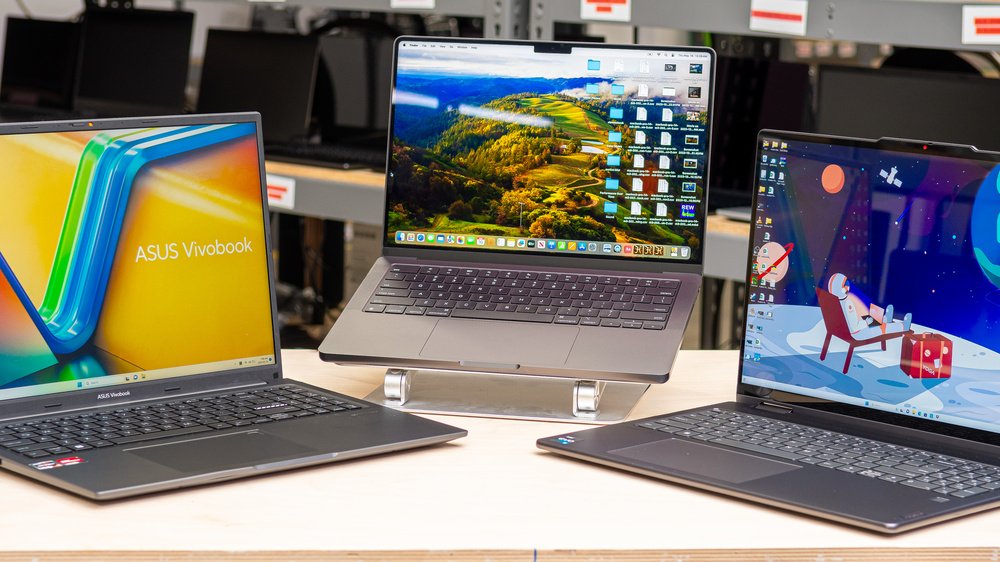

Best Laptops for Multitasking: Alam Tech Complete Buying Guide
Introduction: Best Laptops for Multitasking
Best Laptops for Multitasking: In today’s fast-paced digital world, multitasking is no longer a luxury—it is a necessity. Whether you are a student managing assignments, a professional handling office work, a developer running multiple tools, or a content creator editing videos while browsing references, you need a powerful and reliable machine. Choosing the best laptops for multitasking ensures smooth performance, faster workflow, and stress-free computing.
At Alam Tech, the focus is on helping users find laptops that can handle multiple applications at once without lag, overheating, or performance drops. This guide explains everything you need to know before selecting a multitasking laptop, ensuring you make a smart, long-term investment.
Why Multitasking Performance Matters in Modern Laptops
Multitasking is the ability of a laptop to run several applications simultaneously without slowing down. In real-world usage, this could mean:
- Browsing multiple tabs while attending meetings
- Running Excel sheets alongside Zoom calls
- Editing videos while using design software
- Coding while testing applications
- Streaming content while working
Without proper hardware, these tasks can cause lag, freezing, and system crashes.
That is why selecting the best laptops for multitasking is essential for productivity and efficiency. Alam Tech carefully selects laptops that ensure smooth and stable performance even under heavy workloads.
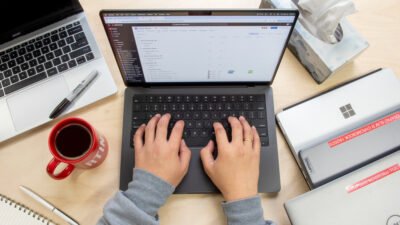
Best Laptops for Multitasking
Understanding What Makes a Laptop Good for Multitasking
A multitasking laptop is not defined by a single feature but by a combination of hardware components working together efficiently.
The key elements include:
- Processor performance
- RAM capacity
- SSD storage speed
- Graphics capability
- Thermal management
- System optimization
Alam Tech evaluates all these factors before recommending devices, ensuring users get the best possible experience.
A truly efficient system for best laptops for multitasking must handle workload balance without slowing down.
Processor Power for Multitasking Performance
The processor is the brain of the laptop and plays a major role in multitasking efficiency. Modern multitasking requires multi-core processors that can handle multiple threads simultaneously.
Intel Core i5, i7, and AMD Ryzen 5 and Ryzen 7 processors are ideal choices for multitasking users. These CPUs allow smooth switching between applications and faster processing of tasks.
Alam Tech recommends newer generation processors because they provide better performance efficiency and power management.
A strong CPU is the foundation of the best laptops for multitasking experience.
Importance of RAM for Smooth Multitasking
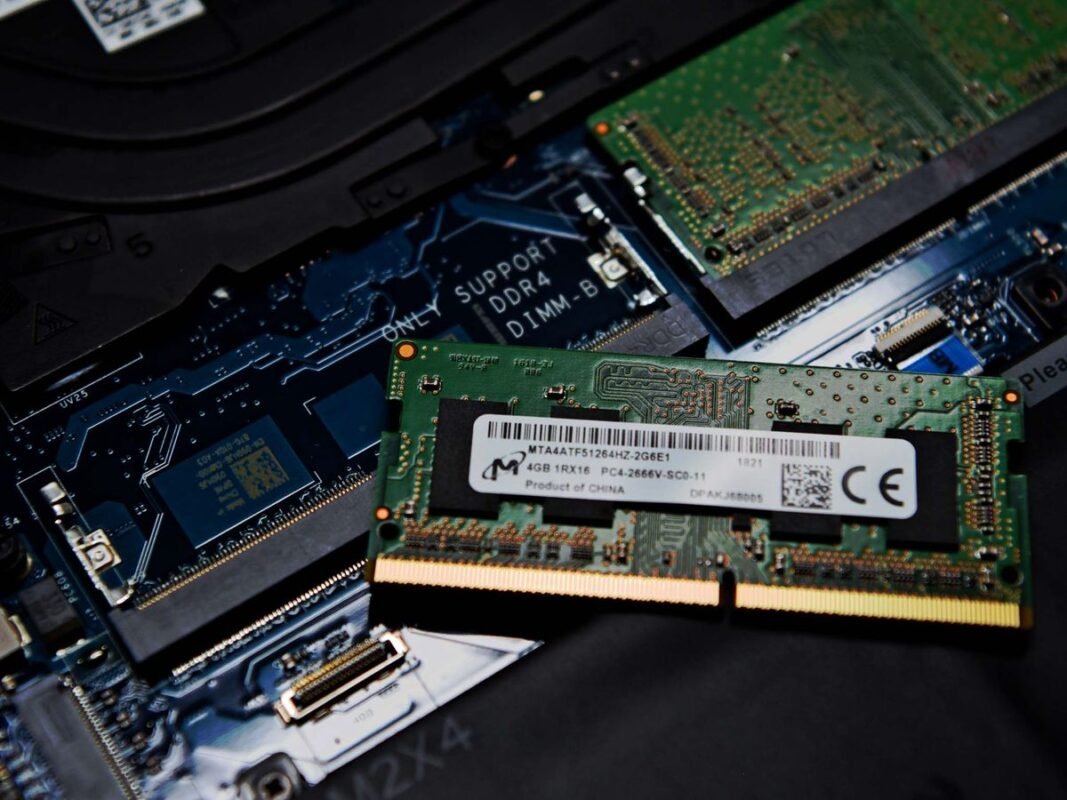
RAM is one of the most important components for multitasking. It determines how many applications your laptop can run at the same time without slowing down.
For basic multitasking, 8GB RAM is acceptable, but 16GB RAM is the ideal standard for modern users. Professionals who work with heavy applications may require 32GB RAM or more.
Alam Tech offers laptops with upgradeable memory options, allowing users to improve performance in the future.
Without sufficient RAM, even powerful processors struggle, making it a crucial factor in best laptops for multitasking.
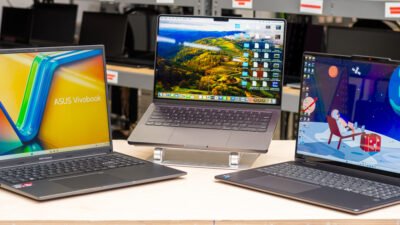
Best Laptops for Multitasking
SSD Storage and Speed Efficiency
Storage type plays a big role in multitasking performance. SSD (Solid State Drive) storage is significantly faster than traditional HDDs.
With SSDs, applications open quickly, files load faster, and the overall system becomes more responsive. This is especially important when switching between multiple tasks.
Alam Tech prioritizes NVMe SSD storage in its laptop selection because it enhances performance dramatically.
Fast storage ensures smooth operation in best laptops for multitasking setups.
Graphics Performance in Multitasking Laptops
While not all multitasking requires a dedicated GPU, it becomes important for users involved in design, video editing, or gaming while working.
Dedicated GPUs help in rendering, graphical processing, and supporting multiple displays. Integrated graphics are sufficient for basic users, but professionals benefit from stronger GPU systems.
Alam Tech provides both integrated and dedicated GPU options based on user needs.
Graphics performance enhances the overall capability of best laptops for multitasking.
Display Quality for Productivity and Comfort
A good display improves productivity and reduces eye strain during long working hours.
Key features include:
- Full HD resolution
- IPS panel technology
- Anti-glare coating
- Accurate color reproduction
A larger display also helps users manage multiple windows side by side.
Alam Tech offers laptops with high-quality displays designed for long usage comfort.
Display clarity is a key factor in best laptops for multitasking performance.
Thermal Management and Cooling Systems
Multitasking often puts continuous load on the processor and RAM. Without proper cooling, laptops may overheat and slow down performance.
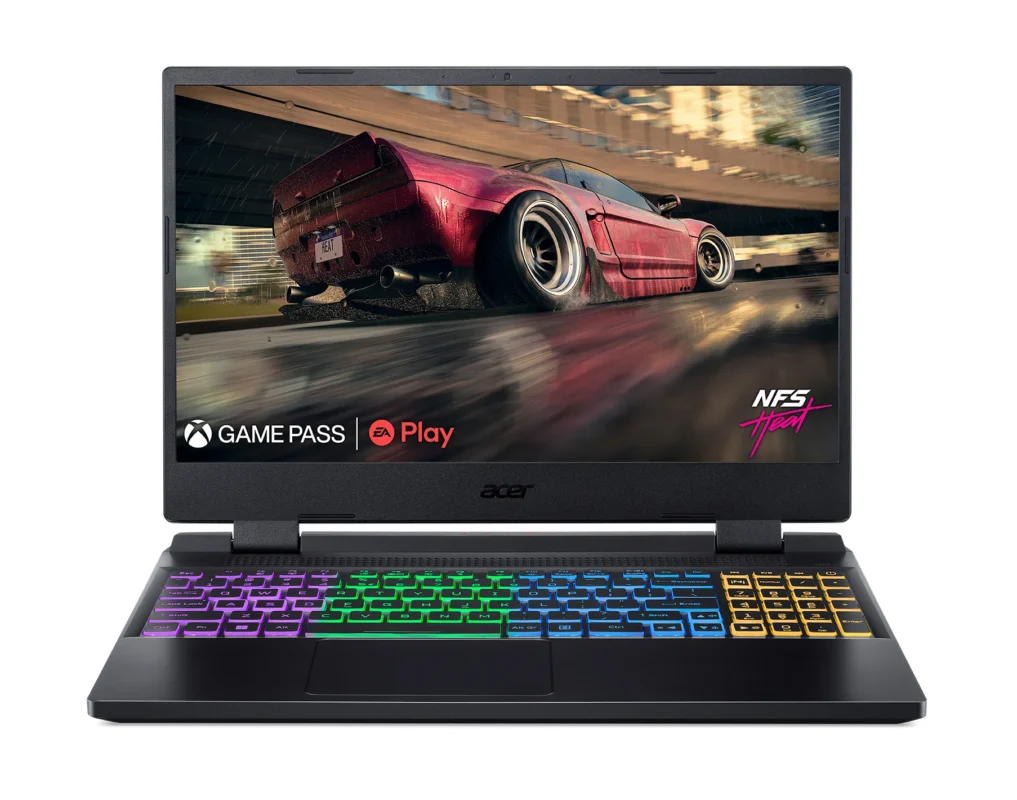
Efficient cooling systems ensure stable performance during long working hours. Gaming-style cooling solutions are especially effective for heavy multitasking.
Alam Tech ensures that recommended laptops have reliable thermal designs to prevent overheating issues.
Cooling efficiency is essential for maintaining performance in best laptops for multitasking.
Battery Life for Multitasking Users
Multitasking users often work for extended hours without access to charging. A strong battery is therefore essential.
A good multitasking laptop should offer at least 6–10 hours of battery life depending on usage.
Alam Tech recommends energy-efficient laptops that balance performance and battery optimization.
Long battery life improves flexibility in best laptops for multitasking.
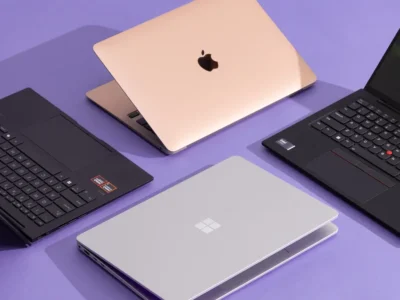
Best Laptops for Multitasking
Portability vs Performance Balance
Multitasking users come from different backgrounds—students, professionals, creators—and each has different mobility needs.
Lightweight laptops are ideal for users who travel frequently, while heavier systems offer more performance.
Alam Tech helps users find the perfect balance between portability and power based on their requirements.
Modern best laptops for multitasking now offer both performance and portability together.
Best Use Cases for Multitasking Laptops
Multitasking laptops are used across different fields, including:
- Office productivity
- Programming and development
- Content creation
- Business management
- Online learning
- Freelancing
Each use case requires different levels of performance.
Alam Tech ensures that users get tailored recommendations based on their work type for best laptops for multitasking.
Common Problems with Poor Multitasking Laptops
Low-quality laptops often struggle with:
- Slow performance
- System freezing
- Application crashes
- Overheating
- Poor battery backup
These issues affect productivity and cause frustration.
Alam Tech helps users avoid such problems by recommending properly optimized systems.
A reliable system prevents disruptions in best laptops for multitasking usage.
Storage and Memory Expansion Options
Modern laptops often allow users to upgrade RAM and storage. This is important for long-term usability.
Expandable systems are more future-proof and cost-effective.
Alam Tech offers upgrade-friendly laptops so users can improve performance over time without replacing the device.
Upgrade flexibility is a major advantage in best laptops for multitasking.
Software Compatibility for Multitasking
Multitasking laptops must support various software types, including:
- Microsoft Office
- Google Workspace
- Adobe applications
- Programming tools
- Web browsers with multiple tabs
Alam Tech ensures compatibility with widely used software for seamless performance.
Software support is essential in best laptops for multitasking environments.
Choosing the Right Laptop Based on User Type
Different users require different multitasking capabilities:
Students
Need lightweight laptops for browsing, assignments, and online classes.
Professionals
Require stable systems for office work and meetings.
Creators
Need powerful CPUs and GPUs for editing and design.
Alam Tech categorizes laptops based on user needs to simplify selection.
This ensures better results when choosing best laptops for multitasking.
Future-Proofing Your Multitasking Laptop
Technology changes rapidly, and software becomes more demanding over time. Future-proofing ensures long-term usability.
Key future-proof features include:
- Latest generation processors
- 16GB or higher RAM
- SSD storage
- Dedicated GPU (optional)
- Upgrade support
Alam Tech focuses on providing laptops that remain relevant for years.
Future-ready systems define the true value of best laptops for multitasking.
Why Alam Tech is Trusted for Multitasking Laptops
Alam Tech is known for providing reliable and performance-oriented laptops in Nepal. Their approach focuses on understanding customer needs rather than just selling devices.
They ensure:
- Genuine products
- Expert guidance
- Need-based recommendations
- Long-term support
This makes it easier for users to choose the right system confidently.
Alam Tech is a trusted destination for best laptops for multitasking.
Final Thoughts on Best Laptops for Multitasking
Multitasking is now a daily requirement for students, professionals, and creators. Choosing the right laptop ensures smooth workflow, better productivity, and long-term satisfaction.
This guide on best laptops for multitasking highlights the importance of processor power, RAM, SSD storage, display quality, and cooling systems.
Alam Tech plays a key role in helping users make informed decisions by offering carefully selected laptops that match real-world usage needs.
A well-chosen best laptops for multitasking setup is not just a device—it is a productivity tool that enhances efficiency, creativity, and performance in everyday life.
Contact us:
Frequently Asked Questions (FAQs) – Best Laptops for Multitasking: Alam Tech
1. What makes a laptop good for multitasking?
A good multitasking laptop is defined by balanced hardware, not just one powerful component. It needs a strong processor, sufficient RAM, fast SSD storage, and efficient cooling. These components work together to handle multiple applications at the same time without lag. Alam Tech recommends laptops that are tested for real-world multitasking scenarios. A well-balanced system ensures smooth switching between apps. This is the foundation of the best laptops for multitasking.
2. How much RAM is required for multitasking?
For basic multitasking, 8GB RAM is the minimum requirement. However, 16GB RAM is considered ideal for modern users who run multiple apps simultaneously. Heavy users like developers or creators may need 32GB RAM. Alam Tech provides upgradeable RAM options for future flexibility. More RAM ensures smoother performance and fewer slowdowns. It is a key factor in best laptops for multitasking.
3. Is SSD necessary for multitasking laptops?
Yes, SSD is essential for multitasking performance. It makes the system faster and reduces loading time for applications. HDDs are too slow for modern multitasking needs. Alam Tech prioritizes NVMe SSD laptops for better speed. SSD improves overall system responsiveness significantly. It is a must-have in best laptops for multitasking.
4. Which processor is best for multitasking?
Modern Intel Core i5, i7 and AMD Ryzen 5, Ryzen 7 processors are best for multitasking. They offer multiple cores for handling several tasks simultaneously. Newer generation CPUs are more efficient and powerful. Alam Tech recommends latest processors for long-term use. A strong CPU ensures smooth workflow. It is essential for best laptops for multitasking.
5. Can I multitask on a budget laptop?
Yes, but only basic multitasking like browsing and document editing. Budget laptops may struggle with heavy workloads. Alam Tech offers entry-level laptops for simple tasks. However, performance limitations are expected. Upgrading is recommended for better efficiency. Budget devices are entry-level best laptops for multitasking.
6. How important is cooling in multitasking laptops?
Cooling is very important for maintaining performance during long usage. Poor cooling can cause overheating and slow performance. Alam Tech ensures efficient thermal systems in recommended laptops. Good airflow helps maintain stable speed. It also increases laptop lifespan. Cooling is critical for best laptops for multitasking.
7. What storage size is ideal for multitasking?
At least 512GB SSD is recommended for multitasking users. It allows enough space for apps and files. 1TB is better for professionals. Alam Tech provides expandable storage options. Storage speed is as important as capacity. It improves best laptops for multitasking performance.
8. Are gaming laptops good for multitasking?
Yes, gaming laptops are excellent for multitasking. They have powerful CPUs and GPUs for heavy workloads. Alam Tech often recommends gaming laptops for professionals. They handle multiple applications easily. However, they are heavier and more expensive. They are strong best laptops for multitasking options.
9. Is GPU important for multitasking?
GPU is important only for specific tasks like editing or design. For general multitasking, integrated graphics are enough. Alam Tech offers both GPU and non-GPU laptops. Dedicated GPUs improve performance for creative users. They are not mandatory for everyone. GPU enhances best laptops for multitasking.
10. How long should a multitasking laptop last?
A good multitasking laptop lasts around 4–6 years. Proper maintenance increases lifespan. Alam Tech provides durable and upgrade-friendly laptops. Usage intensity also affects durability. Regular updates help performance. Longevity is important for best laptops for multitasking.
11. Can multitasking slow down my laptop?
Yes, if hardware is weak or overloaded. Too many apps can slow performance. Alam Tech recommends balanced systems to avoid this issue. Proper RAM and CPU prevent lag. Optimization is important. Smooth systems define best laptops for multitasking.
12. What is the minimum RAM for smooth multitasking?
The minimum recommended RAM is 8GB. It supports basic multitasking without major issues. Alam Tech suggests 16GB for better performance. More RAM improves stability. It allows smoother switching between apps. This is essential for best laptops for multitasking.
13. Do I need a high-end laptop for office multitasking?
Not always, mid-range laptops are sufficient for office work. They handle emails, spreadsheets, and meetings easily. Alam Tech provides suitable business laptops. High-end systems are optional for advanced users. Balanced specs are enough. Office users benefit from best laptops for multitasking.
14. Can I use multiple monitors with multitasking laptops?
Yes, many laptops support external displays. This improves productivity significantly. Alam Tech recommends checking port compatibility. Multiple screens help manage tasks better. It is useful for professionals. It enhances best laptops for multitasking workflow.
15. How important is battery life for multitasking?
Battery life is important for mobile users. Multitasking drains battery faster than normal use. Alam Tech provides energy-efficient laptops. Good battery ensures uninterrupted work. However, performance matters more during heavy tasks. Battery supports best laptops for multitasking usage.
16. What causes lag during multitasking?
Lag is caused by low RAM, weak CPU, or slow storage. Background apps also affect performance. Alam Tech recommends optimized laptops. Proper hardware prevents lag. Maintenance also helps. Smooth systems define best laptops for multitasking.
17. Are ultrabooks good for multitasking?
Yes, ultrabooks are good for light multitasking. They are portable and efficient. Alam Tech offers ultrabooks for students and professionals. However, they may not handle heavy workloads. They are best for basic tasks. Lightweight best laptops for multitasking options.
18. Can multitasking damage a laptop?
No, multitasking does not damage laptops if they are properly built. Poor cooling or overload may cause issues. Alam Tech ensures safe performance systems. Quality laptops handle workload safely. Proper usage is important. Safe design ensures best laptops for multitasking.
19. What display size is best for multitasking?
14 to 15.6 inches is ideal for multitasking. Larger screens allow better window management. Alam Tech offers different screen sizes. Bigger displays improve productivity. Comfort is important for long work hours. Display size matters in best laptops for multitasking.
20. Do I need touchscreen for multitasking?
Touchscreens are optional and not necessary. They can improve convenience in some tasks. Alam Tech offers touchscreen models if needed. However, they are not essential for performance. Choice depends on preference. They are optional in best laptops for multitasking.
21. Can students benefit from multitasking laptops?
Yes, students often use multiple apps for studying. They attend classes, take notes, and browse simultaneously. Alam Tech offers student-friendly multitasking laptops. These systems improve productivity. They help manage academic workload. Ideal best laptops for multitasking for students.
22. Is RAM upgrade important for multitasking?
Yes, upgradeable RAM is very useful. It improves future performance. Alam Tech offers upgrade-friendly laptops. Users can expand memory when needed. This increases laptop lifespan. It supports best laptops for multitasking needs.
23. What internet speed is needed for multitasking?
Stable internet is more important than speed. 10 Mbps is enough for most tasks. Alam Tech recommends stable Wi-Fi laptops. Poor connection affects productivity. Good hardware supports connectivity. It enhances best laptops for multitasking.
24. Can multitasking laptops run heavy software?
Yes, if they have strong CPU and RAM. Heavy software requires more resources. Alam Tech provides high-performance laptops. Performance depends on configuration. Balanced systems handle heavy tasks well. Strong setups define best laptops for multitasking.
25. Are MacBooks good for multitasking?
Yes, MacBooks are excellent for multitasking. They offer smooth performance and optimization. Alam Tech focuses on Windows options but acknowledges Mac performance. MacBooks are premium devices. They are powerful but expensive. They are high-end best laptops for multitasking.
26. What is better: SSD or HDD for multitasking?
SSD is far better than HDD. It improves speed and responsiveness. HDD is outdated for modern use. Alam Tech recommends SSD laptops only. SSD enhances performance greatly. Essential for best laptops for multitasking.
27. Can multitasking laptops handle gaming?
Yes, many multitasking laptops can handle light gaming. Gaming performance depends on GPU. Alam Tech offers gaming-capable systems. Heavy gaming requires stronger specs. Performance varies by configuration. They are flexible best laptops for multitasking.
28. What mistakes should I avoid when buying?
Avoid focusing only on price or ignoring RAM. Poor research leads to wrong choices. Alam Tech provides expert guidance. Users should check specifications carefully. Balanced systems are important. Avoiding mistakes improves best laptops for multitasking selection.
29. Why choose Alam Tech for multitasking laptops?
Alam Tech provides trusted and tested laptops. They offer expert recommendations based on needs. Customers get reliable support. Products are genuine and performance-focused. Guidance ensures better decisions. A trusted source for best laptops for multitasking.
30. Why is this guide important for users?
This guide helps users understand real multitasking needs. It simplifies technical concepts. Alam Tech uses this approach to assist customers. It prevents wrong purchases. It improves decision-making confidence. Essential for choosing best laptops for multitasking.






 Apple MacBook

