Last updated: August 25, 2026
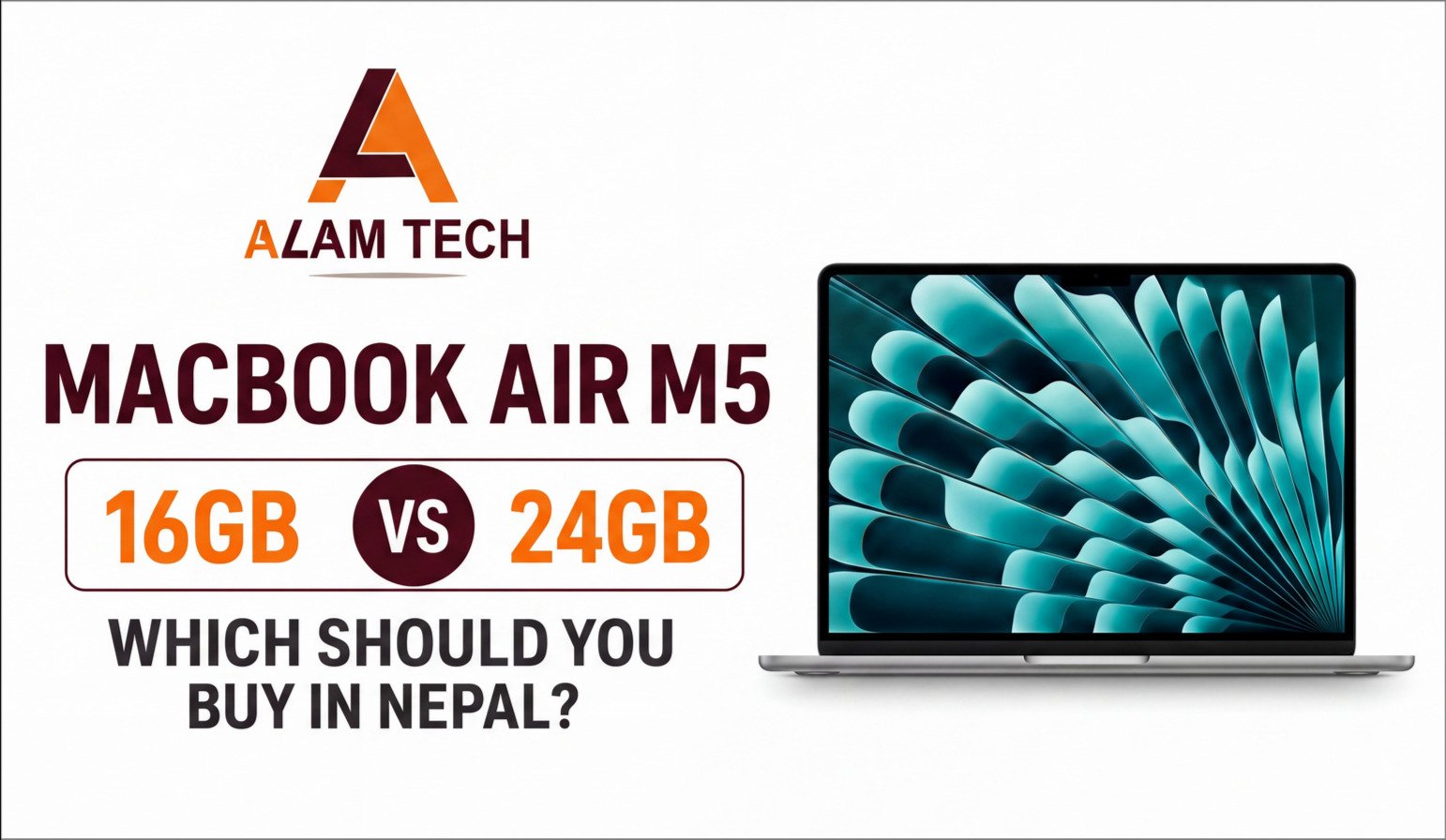
The MacBook Air M5 comes in multiple memory configurations, including 16GB and higher-memory options. Every spec sheet lists different choices, but almost nothing tells you which one you actually need — especially in Nepal, where the price gap between configurations is a real budget decision, not a rounding error.
This guide skips the marketing language and focuses on one question: what does the extra memory actually do for your workload?
Quick answer
16GB is enough for most students, general coding, and everyday creative work. It handles browser-heavy multitasking, IDEs, and typical coursework comfortably.
24GB matters if you run multiple virtual machines, Xcode simulators, Docker containers, or heavy multitasking across memory-intensive apps at the same time. If that’s not your workflow, you’re paying for headroom you won’t use.
Why Apple Silicon RAM Doesn’t Behave Like Windows RAM
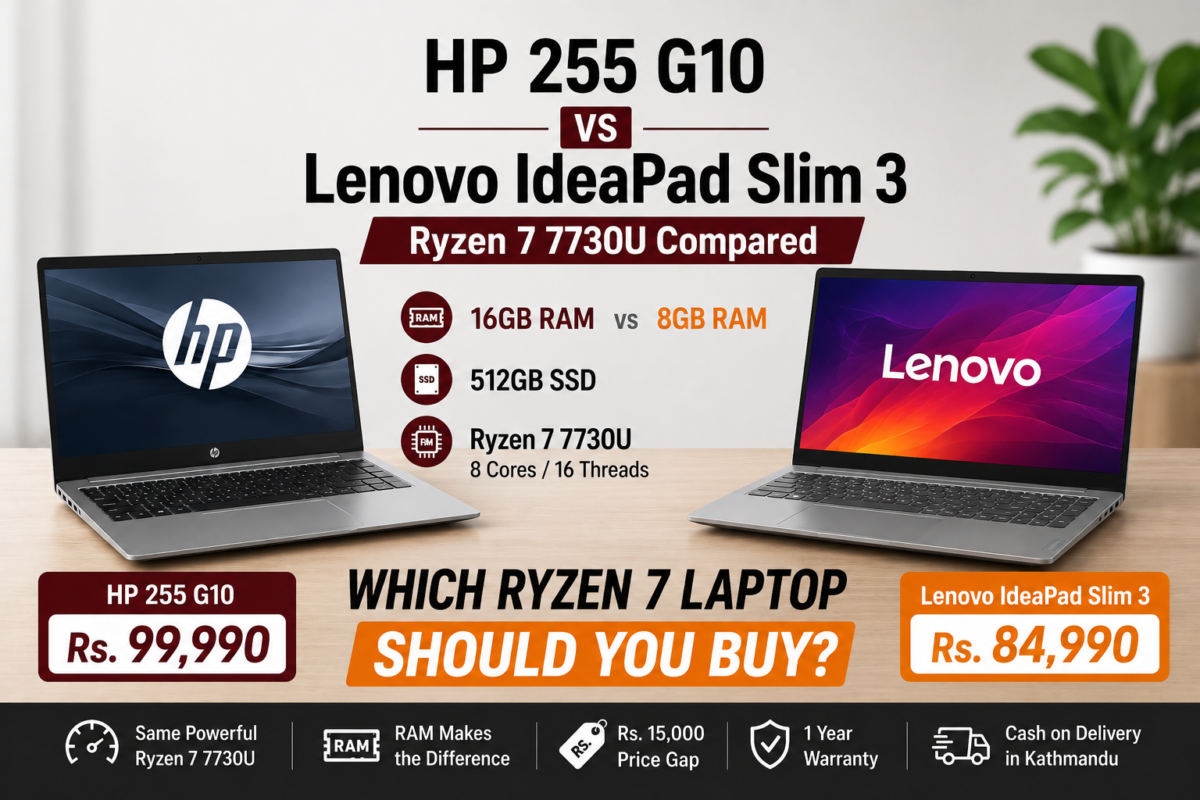
Before comparing 16GB and 24GB, it helps to understand why Apple’s numbers don’t map directly onto Windows laptop RAM figures — including the Ryzen-based laptops we’ve covered elsewhere on this site.
On a Windows laptop, RAM and GPU memory are usually separate pools. On Apple Silicon, the M5 chip uses unified memory — the CPU, GPU, and Neural Engine all draw from the same shared pool. There’s no separate video memory competing for space, and macOS manages memory compression and paging differently than Windows does.
The practical result: 16GB unified memory on an M5 chip often handles the same tasks more comfortably than 16GB on a Windows laptop, because nothing else on the system is quietly reserving a chunk of it for graphics. This doesn’t mean 16GB is unlimited — it means the comparison isn’t apples-to-apples with the Windows RAM numbers you may be used to evaluating.
What Does 16GB Actually Handle Comfortably?
For the majority of buyers — general students, +2 graduates starting university, and everyday creative or office use — 16GB unified memory is genuinely sufficient. That includes:
- Dozens of browser tabs across Safari or Chrome
- VS Code or similar single-IDE coding work
- Office apps, PDF annotation, note-taking apps running simultaneously
- Photo editing in Lightroom or similar tools
- Light video editing in iMovie or entry-level Final Cut work
- Video calls running alongside document work
If your daily workflow looks like this, the 24GB upgrade adds cost without adding a benefit you’ll actually feel.
When Does 24GB Actually Make a Difference?
The 24GB configuration earns its price premium in specific, memory-intensive scenarios — not in general use. It matters when you are:
- Running multiple virtual machines or Docker containers simultaneously — each VM reserves its own memory allocation on top of macOS and your other apps.
- Working with Xcode simulators — iOS and iPadOS simulators are memory-hungry, especially when running more than one device profile at once.
- Doing heavier video editing — 4K multi-track timelines in Final Cut Pro or DaVinci Resolve benefit from extra headroom.
- Running local AI/ML models — larger local language models or ML workloads consume unified memory directly, since there is no separate GPU VRAM to offload to.
- Heavy multitasking across several memory-intensive apps at once — for example, a VM plus a browser with 50+ tabs plus a design tool open simultaneously.
For a BCA or BSc CSIT student in Nepal specifically, the deciding question is usually: will your coursework involve mobile app development with simulators, or backend work with local databases and containers? If yes, more memory removes a real bottleneck. If your work is primarily web development, Python scripting, or general coursework, 16GB will not hold you back.
Can You Upgrade RAM Later on a MacBook Air M5?
No. Unified memory on Apple Silicon is integrated into the chip package at the factory and cannot be upgraded, replaced, or expanded after purchase — unlike some Windows laptops where RAM is socketed. Whatever memory configuration you buy is what you’ll have for the life of the machine.
This makes the 16GB vs higher-memory decision more consequential than a typical Windows RAM choice: there’s no “upgrade it later” fallback plan. If there’s a reasonable chance your workload will grow into memory-intensive territory over the next 3–4 years of ownership, that’s a legitimate reason to buy the headroom upfront rather than assume you’ll upgrade down the line.
Storage Pairs With RAM — Don’t Evaluate Them Separately
The higher-memory configurations are paired with larger storage in Apple’s configuration structure. If your workload genuinely needs more memory — VMs, simulators, local AI models, large projects — it almost certainly also benefits from more storage, since those same workloads can consume disk space quickly.
Evaluate memory and storage together rather than treating the RAM decision in isolation.
Current MacBook Air M5 Pricing in Nepal
Pricing note: Apple pricing in Nepal shifts with import duty, currency movement, and retailer pricing. The Alam Tech prices below reflect the current product listings checked on August 25, 2026. Always confirm the live product page before purchasing.
| Alam Tech M5 Configuration |
Memory |
Storage |
Current Listed Price |
Best For |
MacBook Air M5 13.6-inch
|
16GB Unified Memory |
512GB SSD |
Rs. 242,000 |
Most students, developers and everyday users |
| MacBook Air M5 13.6-inch |
16GB Unified Memory |
1TB SSD |
Rs. 288,000 |
Developers and creators who need more local storage |
The current Alam Tech catalog verifies these 16GB/512GB and 16GB/1TB configurations. I could not verify a separately listed 24GB MacBook Air M5 SKU on the current Alam Tech catalog, so this article does not assign an Alam Tech Nepal price to a 24GB configuration.
View MacBook Air M5 16GB/512GB at Alam Tech →
What You Actually Get With the MacBook Air M5 at Alam Tech
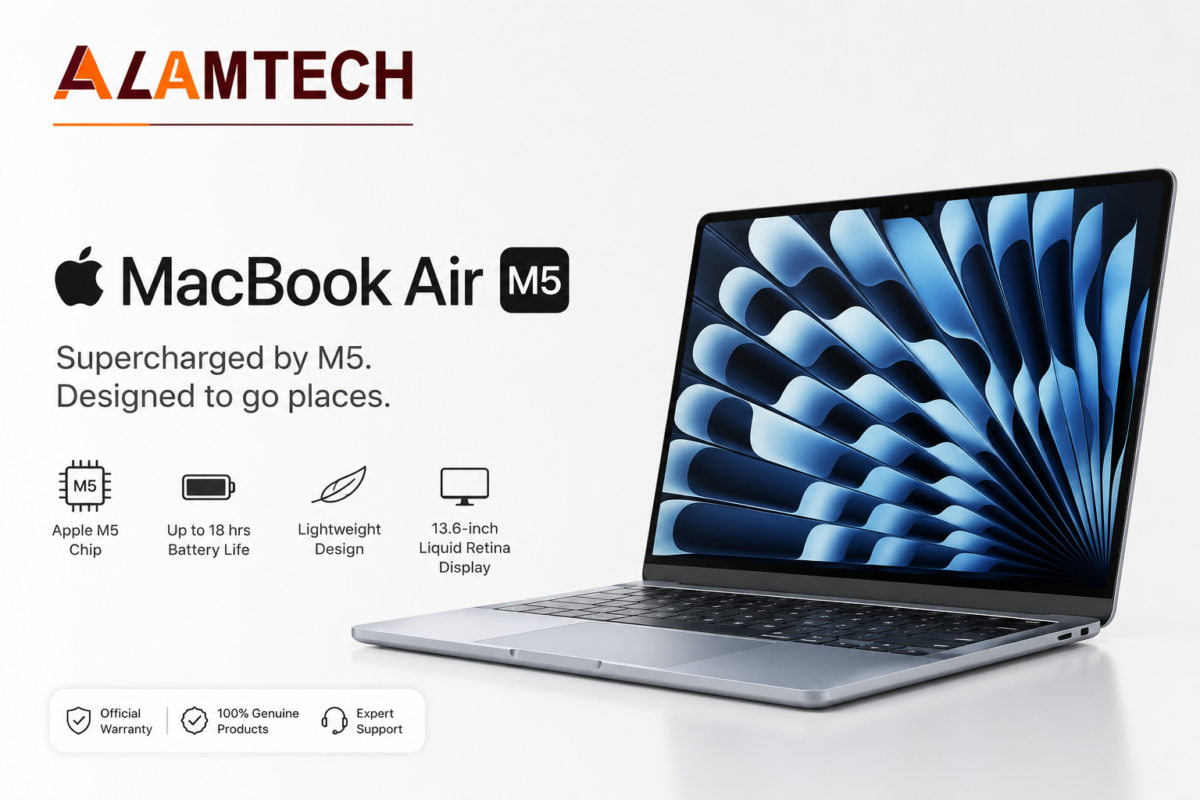
The current Alam Tech MacBook Air M5 16GB/512GB listing is a 13.6-inch model with the Apple M5 chip, 10-core CPU, 8-core GPU and 16-core Neural Engine. It uses 16GB unified memory and a 512GB SSD.
The display is a 13.6-inch Liquid Retina panel at 2560×1664 resolution and 500 nits brightness, with wide P3 color support and True Tone. The machine weighs approximately 1.24kg and uses a completely fanless design.
Alam Tech also lists Wi-Fi 7, Bluetooth 6, two Thunderbolt 4 ports, MagSafe 3 charging, a 3.5mm headphone jack and Apple Intelligence support.
Battery life is rated by Apple at up to 18 hours of video streaming and up to 15 hours of wireless web browsing, depending on workload and conditions.
These product specifications are based on the current Alam Tech product listing. :contentReference[oaicite:1]{index=1}
16GB vs 24GB: Which Configuration Makes Sense for You?
| Workload |
Recommended Memory |
Reason |
| General university work |
16GB |
Enough for browsing, documents, presentations, research and video calls. |
| Web development |
16GB |
Comfortable for VS Code, browser tabs, Git and normal development workflows. |
| Python / coursework |
16GB |
Suitable for normal development and academic workloads. |
| Xcode + multiple simulators |
24GB+ |
Extra memory helps when multiple simulated devices and development tools run together. |
| Multiple VMs / Docker |
24GB+ |
Virtual machines and containers can consume memory rapidly. |
| Heavy 4K editing |
24GB+ |
Extra memory gives more room for large timelines and simultaneous creative applications. |
| Local AI / ML experimentation |
24GB+ |
Large local models can consume unified memory directly. |
Who Should Buy 16GB?
- General students and +2 graduates starting university
- Web developers and Python learners
- Students using one primary IDE
- Everyday creative users
- Photo editors and light video editors
- Anyone prioritizing a lower upfront cost
- Buyers whose actual workloads do not require multiple heavy applications simultaneously
Who Should Buy 24GB?
- Mobile app developers running multiple Xcode simulators
- Students or professionals running multiple VMs or Docker containers
- Video editors working with heavier 4K multi-track timelines
- Anyone experimenting with larger local AI/ML models
- Buyers who expect their workload to grow over 3–4 years and cannot upgrade later
Common Mistakes When Choosing a Configuration
1. Comparing Apple’s unified memory directly to Windows RAM numbers
16GB unified memory and 16GB Windows RAM are not an identical experience, because Apple Silicon uses a shared memory architecture between the CPU, GPU and Neural Engine.
2. Buying 24GB “just in case” without a specific reason
If you cannot name a workload that needs it — VMs, simulators, heavy video, local AI or extremely heavy multitasking — you’re likely paying for headroom you will rarely use.
3. Buying 16GB while planning memory-intensive coursework later
Since unified memory cannot be upgraded after purchase, buy for where your workload is heading over the next few years, not just where it is today.
4. Ignoring storage while thinking only about RAM
Large development environments, datasets, video projects, Docker images and creative files can consume storage quickly. Memory and storage should be evaluated together.
MacBook Air M5 vs Windows Laptops in Nepal
The MacBook Air M5 makes the strongest case when your priorities are battery life, portability, silent operation, macOS and long-term productivity.
Windows laptops become more attractive when you need dedicated GPU performance, Windows-only software, upgradeable memory or storage, gaming, or lower upfront cost.
| MacBook Air M5 |
Windows Laptop |
| Excellent battery life |
More hardware choices |
| Very light at approximately 1.24kg |
More gaming and dedicated-GPU options |
| Silent fanless operation |
More upgradeable models |
| Strong macOS developer ecosystem |
Better compatibility with Windows-only applications |
| Premium portability |
More choices below Rs. 150,000 |
Real Student Scenario: BCA / BSc CSIT in Nepal
Imagine a BCA student commuting around Kathmandu and using the laptop for VS Code, Python, Chrome, documentation, Office applications and occasional project work.
That student does not automatically need 24GB. The current Alam Tech 16GB/512GB M5 Air is already a powerful configuration for this class of workload.
The answer changes if the student moves into iOS development, runs multiple simulators, uses several containers or begins experimenting with local AI models. At that point, more unified memory becomes easier to justify.
Decision: buy the memory you can justify with an actual workload. Don’t spend more simply because the larger number looks better on the specification sheet.
Current Alam Tech Product Details
Apple MacBook Air M5 13.6-inch 16GB / 512GB
Current listed price: Rs. 242,000
- Apple M5 — 10-core CPU
- 8-core GPU
- 16-core Neural Engine
- 16GB Unified Memory
- 512GB SSD
- 13.6-inch Liquid Retina display
- 2560×1664 resolution
- 500 nits brightness
- Wi-Fi 7
- Bluetooth 6
- Two Thunderbolt 4 ports
- MagSafe 3 charging
- Approximately 1.24kg
- Fanless silent chassis
- Generation Next Authorized Warranty
View the MacBook Air M5 16GB/512GB product page →
The product specification and current price above are taken from the current Alam Tech product listing. :contentReference[oaicite:2]{index=2}
Where to Buy MacBook Air M5 in Kathmandu
The MacBook Air M5 is available from Alam Tech’s Kathmandu locations. The current product page lists the main New Road/Tebahal location and Putalisadak branch, with store contact numbers 9851193787 and 9818413835.
The current Alam Tech listing also states that the product is backed by Generation Next Authorized Warranty, Apple’s authorized distribution channel in Nepal. That distinction matters because Nepal’s Apple market includes grey-market imports with different warranty arrangements.
Current store and warranty information is based on the Alam Tech product page. :contentReference[oaicite:3]{index=3}
Frequently Asked Questions
Is 16GB enough for coding on MacBook Air M5?
Yes, for most coding work — web development, Python, general coursework and single-IDE workflows. It becomes more restrictive specifically for multiple simulators, several VMs, Docker-heavy workflows or local AI models.
Can I upgrade MacBook Air M5 RAM later?
No. Unified memory is integrated into the M5 platform at manufacture and cannot be upgraded after purchase. Choose the configuration based on your expected workload over the life of the machine.
Does more memory make MacBook Air M5 faster for everyday use?
Not noticeably. For browsing, office work and general coursework, 16GB and higher-memory configurations should feel similar until the workload actually starts approaching the available memory limit.
Is 16GB unified memory the same as 16GB RAM on a Windows laptop?
Not exactly. Apple Silicon uses a unified memory architecture shared by the CPU, GPU and Neural Engine. That changes how the available memory is used compared with many Windows laptops that have separate system RAM and dedicated GPU memory.
Should BCA or BSc CSIT students in Nepal buy 16GB or 24GB?
Most BCA and BSc CSIT coursework — web development, general programming and Python — runs comfortably on 16GB. Students specifically doing mobile development with simulators or running multiple VMs and containers should consider more memory where available.
Does Alam Tech currently sell a 24GB MacBook Air M5?
The current Alam Tech pages I verified list 16GB/512GB and 16GB/1TB MacBook Air M5 configurations. I could not verify a separate 24GB M5 Air SKU currently listed by Alam Tech, so check directly with the store if you are specifically looking for a 24GB configuration.
What is the current MacBook Air M5 price in Nepal at Alam Tech?
The currently indexed Alam Tech product page lists the 13.6-inch MacBook Air M5 with 16GB unified memory and 512GB SSD at Rs. 242,000. Alam Tech’s current MacBook category also identifies a 16GB/1TB configuration at Rs. 288,000.
Is MacBook Air M5 good for BCA and BIT students in Nepal?
Yes. The M5 Air is well suited to coding, web development, university coursework, research, office applications and light creative work. The key decision is whether macOS supports the specific software your course requires.
Is MacBook Air M5 good for programming and development?
Yes. It is particularly well suited to web development, Python, JavaScript, Git, VS Code and Apple-platform development. Developers who rely on Windows-only software should verify compatibility before switching.
Can MacBook Air M5 run games?
Some games run on macOS, but it is not a gaming-first laptop. Buyers who prioritize modern AAA gaming or GPU-heavy workloads should consider a Windows laptop with a dedicated GPU instead.
Why does Apple unified memory matter?
Apple Silicon uses one shared memory pool for CPU, GPU and Neural Engine workloads. That can be efficient, but it also means you must choose the memory configuration carefully because there is no separate GPU VRAM pool and no normal user-upgrade path.
Final Verdict
The bottom line: buy based on what you actually run, not on having the highest number. 16GB unified memory covers the large majority of student, coding and everyday creative workloads comfortably. More memory is worth the premium specifically for VMs, Xcode simulators, heavy video editing, local AI experimentation and other sustained memory-intensive workloads — and because memory cannot be upgraded later, that decision should be made upfront.
For a typical BCA, BSc CSIT or general university student in Nepal, the current MacBook Air M5 16GB/512GB at Rs. 242,000 is the sensible Alam Tech configuration to start with. Buyers who need more storage can step up to the currently listed 16GB/1TB configuration at Rs. 288,000.
Check Current MacBook Air M5 Configurations at Alam Tech
See current pricing and availability before ordering. Alam Tech currently lists 16GB/512GB and 16GB/1TB M5 Air configurations.
MacBook Air M5 at Alam Tech →
Related Guides










 Apple MacBook

