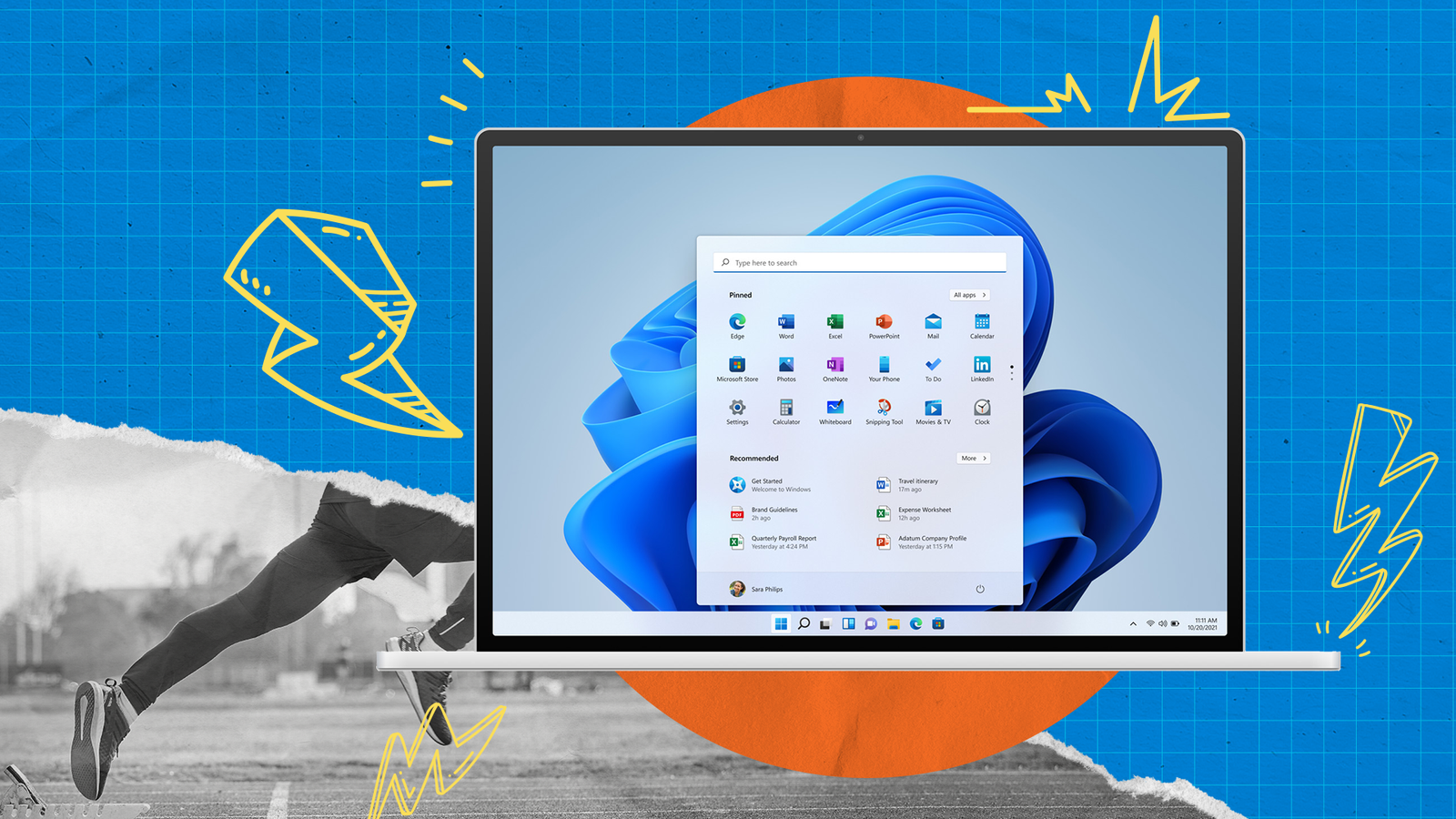

How to Optimize Windows 11 for Performance – Complete Guide by Alam Tech
How to Optimize Windows 11 for Performance: Windows 11 brings a modern design, smoother animations, and smarter system management compared to earlier versions of Windows. However, many users in Nepal still experience slow boot times, laggy performance, overheating, or poor multitasking even on relatively new laptops or desktops. At Alam Tech, we regularly diagnose systems that are powerful on paper but underperform in real-world use simply because Windows 11 is not optimized correctly.
Optimizing Windows 11 does not mean complicated technical work. With the right settings, proper maintenance, and smart upgrades, you can dramatically improve speed, responsiveness, and system stability. This detailed guide by Alam Tech explains everything you need to know to get the best performance out of your Windows 11 laptop or PC, whether you are a student, office worker, gamer, or professional user.
Understanding Why Windows 11 Feels Slow
Windows 11 is designed to support modern hardware, but it also includes many background services, visual effects, and startup processes that can consume system resources. On budget or mid-range laptops, these background tasks often cause slow boot times, delayed app launches, and stuttering performance.
Another common issue we see at Alam Tech is improper configuration. Many users upgrade to Windows 11 without adjusting system settings for performance. Old drivers, unnecessary startup programs, outdated storage, or insufficient RAM can further limit system speed. Optimizing Windows 11 is about balancing performance, visuals, and stability based on your actual usage.
How to Optimize Windows 11 for Performance
Start with a Clean and Updated System
The first step to optimizing Windows 11 is ensuring your system is clean and up to date. Over time, unused applications, temporary files, and system clutter slow down performance. Removing unnecessary programs and clearing temporary data helps free up valuable system resources.
Keeping Windows 11 updated is equally important. Updates often include performance improvements, security patches, and driver compatibility fixes. At Alam Tech, we recommend checking for updates regularly and installing stable versions only, avoiding optional updates unless necessary.
Disable Unnecessary Startup Programs
One of the most common reasons for slow startup in Windows 11 is too many programs launching automatically. Many applications install background services that run even when you are not using them. This consumes RAM and CPU power from the moment your system boots.
By disabling non-essential startup programs, your system can boot faster and feel more responsive. Focus on allowing only critical software such as security tools or essential drivers. At Alam Tech, we often reduce startup load by more than half, resulting in noticeably faster startup times for customers.
Adjust Visual Effects for Better Performance
Windows 11 includes smooth animations, transparency effects, shadows, and visual enhancements that look great but can reduce performance on lower-end systems. Disabling or reducing visual effects can significantly improve responsiveness, especially on laptops with integrated graphics.
Optimizing visual settings does not mean sacrificing usability. You can keep essential features while turning off unnecessary animations. This is one of the easiest and safest performance improvements recommended by Alam Tech for everyday users.
Optimize Power Settings
Power settings play a major role in Windows 11 performance. By default, many laptops are configured for balanced or power-saving modes, which limit CPU speed to conserve battery. While this helps battery life, it often causes noticeable lag during multitasking or heavy workloads.
Switching to a high-performance or optimized power mode allows your processor to operate at higher speeds when needed. At Alam Tech, we configure power profiles based on user needs, ensuring smooth performance without excessive battery drain.
Keep Drivers Updated and Clean
Outdated or incompatible drivers are a hidden cause of performance problems in Windows 11. Graphics drivers, chipset drivers, and storage drivers directly affect speed, stability, and temperature management. Improper drivers can cause lag, screen stuttering, or system crashes.
At Alam Tech, we always verify that drivers are correctly installed and updated from reliable sources. Clean driver installations often resolve unexplained slowdowns and improve overall system efficiency.
Manage Background Apps and Services
Windows 11 allows many applications to run in the background, even when you are not actively using them. These background apps consume memory, processor power, and sometimes network bandwidth. Limiting background activity can noticeably improve performance.
Identifying and disabling unnecessary background apps helps free up resources for the applications you actually use. Alam Tech recommends keeping background permissions only for essential services like messaging or cloud synchronization if required.
Improve Storage Performance with SSD Optimization
Storage speed has one of the biggest impacts on Windows 11 performance. Systems running on traditional hard drives feel significantly slower compared to those using solid-state drives. If your system uses an SSD, proper optimization ensures it runs at peak performance.
Enabling features like automatic trimming, sufficient free space, and avoiding excessive background writes helps maintain SSD health and speed. For systems still using HDDs, Alam Tech strongly recommends upgrading to an SSD for a massive performance boost.
Upgrade RAM for Better Multitasking
Windows 11 is optimized for systems with higher memory capacity. Running the operating system with limited RAM often leads to lag, freezing, and slow application switching. Many users experience performance issues simply because the system does not have enough memory for modern workloads.
At Alam Tech, RAM upgrades are one of the most effective solutions we provide. Increasing RAM allows smoother multitasking, faster browsing, and improved overall system stability, especially for students and professionals.
Control Windows Security Impact on Performance
Windows 11 includes built-in security features that protect against threats, but excessive scanning or misconfigured settings can affect performance. Real-time protection is important, but it should be balanced properly.
Alam Tech ensures security settings are optimized to provide strong protection without unnecessary system slowdown. Proper configuration prevents performance drops during gaming, editing, or office work.
Optimize Gaming Performance on Windows 11
For gamers, Windows 11 optimization requires additional steps. Game Mode, graphics settings, and background process control play a major role in maintaining stable frame rates. Improper configuration can cause stuttering, frame drops, or overheating.
At Alam Tech, we optimize Windows 11 gaming systems by adjusting system priorities, disabling unnecessary background services, and ensuring thermal efficiency. This results in smoother gameplay and better hardware longevity.
Reduce Overheating to Maintain Performance
Overheating causes Windows 11 systems to throttle performance automatically to protect hardware. This results in sudden slowdowns, lag, and reduced productivity. Dust buildup, poor airflow, and thermal paste degradation are common causes.
Optimizing Windows 11 performance also involves maintaining proper cooling. Alam Tech provides professional cleaning, thermal servicing, and airflow optimization to ensure consistent performance even under heavy load.
Use Built-In Maintenance Tools
Windows 11 includes useful built-in tools for maintaining system health. Disk cleanup, storage management, and system diagnostics help identify and fix performance issues. Regular maintenance prevents clutter from slowing down your system.
At Alam Tech, we recommend routine system checks to keep Windows 11 running smoothly over time. Preventive maintenance reduces long-term performance degradation.
Optimize Windows 11 for Work and Productivity
Office users and students rely on Windows 11 for multitasking, online meetings, and document management. Optimizing notification settings, startup apps, and background sync improves focus and speed.
Alam Tech tailors Windows 11 optimization based on user requirements, whether it’s business use, education, or creative work. Proper optimization increases productivity and reduces system stress.
When to Seek Professional Optimization
Sometimes performance issues go beyond basic settings. Hardware limitations, BIOS misconfiguration, or deep system errors require professional diagnosis. Random crashes, persistent lag, or overheating should not be ignored.
At Alam Tech, our technicians perform complete system optimization, combining software tuning with hardware inspection. This ensures reliable, long-term performance improvements instead of temporary fixes.
Why Choose Alam Tech for Windows 11 Optimization
Alam Tech is trusted in Kathmandu for professional computer solutions. We understand the needs of Nepali users, from students on a budget to professionals requiring stable high performance. Our approach focuses on honest diagnosis, practical solutions, and long-term reliability.
We don’t just speed up Windows 11 temporarily. We optimize systems to remain fast, stable, and efficient over time. Every optimization is done with care, transparency, and user satisfaction in mind.
Final Thoughts
Optimizing Windows 11 for performance is not about shortcuts or risky tweaks. It’s about smart configuration, regular maintenance, and proper hardware support. With the right approach, even older systems can feel fast and responsive again.
At Alam Tech, we believe a well-optimized system improves productivity, reduces frustration, and extends device lifespan. Whether you want faster boot times, smoother multitasking, or better gaming performance, proper Windows 11 optimization makes a real difference.
If your Windows 11 laptop or PC feels slow, laggy, or unresponsive, professional optimization can restore its full potential. Alam Tech is always committed to delivering reliable performance solutions you can trust.
Contact us:
Frequently Asked Questions – How to Optimize Windows 11 for Performance (Alam Tech)
Q1. Why does Windows 11 feel slow on some laptops?
Windows 11 can feel slow due to too many startup programs, background apps, or limited hardware resources. Alam Tech often finds poor configuration rather than hardware failure as the main cause.
Q2. Can Windows 11 run smoothly on budget laptops?
Yes, with proper optimization Windows 11 performs well on budget laptops. Alam Tech adjusts settings, reduces background load, and improves storage performance for smoother operation.
Q3. Does upgrading to Windows 11 reduce performance?
Not necessarily. Performance issues usually occur due to improper upgrades, outdated drivers, or insufficient RAM, which Alam Tech can correct.
Q4. How much RAM is ideal for Windows 11?
For smooth everyday performance, 8GB is the minimum, while 16GB is ideal. Alam Tech recommends higher RAM for multitasking and professional workloads.
Q5. Does SSD improve Windows 11 performance?
Absolutely. An SSD significantly improves boot speed, app loading, and overall responsiveness, making it one of Alam Tech’s top recommended upgrades.
Q6. Why is my Windows 11 boot time slow?
Slow boot times are usually caused by too many startup programs or background services. Alam Tech optimizes startup settings to reduce boot delays.
Q7. Is Windows 11 heavier than Windows 10?
Windows 11 uses more resources due to added features and visuals. However, Alam Tech fine-tunes settings to balance performance and appearance.
Q8. Can disabling animations improve speed?
Yes, reducing visual effects improves responsiveness, especially on integrated graphics systems. Alam Tech applies this safely without affecting usability.
Q9. Should I use High Performance mode?
High Performance mode improves speed by allowing full CPU usage. Alam Tech configures power modes based on user needs and battery considerations.
Q10. Do background apps slow down Windows 11?
Yes, background apps consume memory and CPU resources. Alam Tech disables unnecessary background activity for better performance.
Q11. Why does Windows 11 lag during multitasking?
Lag occurs when RAM or CPU resources are overloaded. Alam Tech identifies bottlenecks and optimizes system allocation.
Q12. Does antivirus affect performance?
Yes, aggressive scanning can slow systems. Alam Tech balances security and performance for safe and smooth operation.
Q13. How often should Windows 11 be updated?
Regular updates are important for stability and performance. Alam Tech installs only stable updates to avoid compatibility issues.
Q14. Does overheating slow down Windows 11?
Yes, overheating causes thermal throttling. Alam Tech resolves heating issues to restore full performance.
Q15. Can driver issues reduce performance?
Outdated or faulty drivers can severely impact performance. Alam Tech ensures proper driver installation and updates.
Q16. Is Windows 11 good for gaming?
Yes, when optimized correctly. Alam Tech configures Game Mode, power settings, and background processes for gaming performance.
Q17. Why does Windows 11 stutter during gaming?
Stuttering is often caused by background apps, overheating, or driver issues. Alam Tech addresses these root causes.
Q18. Can low storage space slow Windows 11?
Yes, low free storage affects performance. Alam Tech recommends keeping sufficient free space on system drives.
Q19. Does HDD cause lag in Windows 11?
Yes, HDDs are significantly slower than SSDs. Alam Tech strongly recommends SSD upgrades for modern Windows systems.
Q20. How does Windows 11 handle multitasking?
Windows 11 is optimized for multitasking but requires sufficient RAM. Alam Tech ensures proper memory allocation.
Q21. Can cleaning system files improve performance?
Yes, removing temporary files reduces system load. Alam Tech includes safe cleanup as part of optimization.
Q22. Is Windows 11 suitable for students?
Yes, especially when optimized for performance and battery life. Alam Tech customizes systems for academic needs.
Q23. Why does my laptop fan run loudly on Windows 11?
High fan noise usually indicates overheating or heavy background usage. Alam Tech diagnoses and fixes the issue.
Q24. Can BIOS settings affect Windows 11 speed?
Yes, incorrect BIOS settings can limit performance. Alam Tech checks BIOS configurations when necessary.
Q25. Does Windows 11 consume more battery?
Poor optimization can increase battery drain. Alam Tech balances performance with power efficiency.
Q26. How important are chipset drivers?
Chipset drivers are critical for CPU and system communication. Alam Tech ensures they are properly installed.
Q27. Can too many notifications slow down Windows 11?
Yes, excessive notifications affect responsiveness. Alam Tech optimizes notification settings.
Q28. Is Windows 11 good for office work?
Yes, when optimized properly. Alam Tech enhances productivity performance for business users.
Q29. Why does Windows 11 freeze randomly?
Freezing often results from memory shortages or driver conflicts. Alam Tech resolves these issues through diagnosis.
Q30. Can Windows 11 be optimized without reinstalling?
Yes, most performance improvements can be done without reinstalling. Alam Tech avoids unnecessary system resets.
Q31. Does startup delay indicate a virus?
Not always. Most delays are caused by software load, which Alam Tech resolves through optimization.
Q32. Is Windows 11 slower on older CPUs?
Older CPUs may struggle, but optimization helps significantly. Alam Tech adjusts settings for compatibility.
Q33. Should I disable Windows search indexing?
Disabling or limiting indexing can improve speed. Alam Tech configures it based on user needs.
Q34. Can OneDrive slow down Windows 11?
Continuous syncing can affect performance. Alam Tech optimizes sync settings.
Q35. Why does Windows 11 take time to shut down?
Background processes or updates cause slow shutdowns. Alam Tech resolves shutdown delays.
Q36. Is it safe to disable startup services?
Yes, when done correctly. Alam Tech disables only non-essential services safely.
Q37. Does RAM speed matter in Windows 11?
Yes, faster RAM improves responsiveness. Alam Tech recommends compatible RAM upgrades.
Q38. Can Windows 11 performance degrade over time?
Yes, without maintenance performance drops. Alam Tech provides preventive optimization.
Q39. Does reinstalling Windows 11 improve speed?
Sometimes, but optimization is often enough. Alam Tech avoids unnecessary reinstallations.
Q40. Is Windows 11 good for creative work?
Yes, with proper configuration. Alam Tech optimizes systems for editing and design workloads.
Q41. Why is Task Manager showing high CPU usage?
Background apps or malware can cause high usage. Alam Tech identifies and resolves the cause.
Q42. Can software conflicts slow Windows 11?
Yes, incompatible apps cause instability. Alam Tech removes or updates conflicting software.
Q43. How does thermal throttling affect performance?
Thermal throttling reduces CPU speed to prevent damage. Alam Tech fixes overheating issues.
Q44. Should I disable widgets for performance?
Disabling widgets can slightly improve responsiveness. Alam Tech adjusts features based on preference.
Q45. Does Windows 11 need regular maintenance?
Yes, maintenance keeps performance stable. Alam Tech recommends periodic system checks.
Q46. Can performance tweaks harm the system?
Unsafe tweaks can cause instability. Alam Tech uses proven, safe optimization methods.
Q47. Does Windows 11 support older software?
Most older software works, but some may cause lag. Alam Tech ensures compatibility.
Q48. Is Windows 11 good for remote work?
Yes, when optimized for stability and connectivity. Alam Tech prepares systems for remote use.
Q49. Why does Windows 11 feel laggy after updates?
Background indexing or updates may still be running. Alam Tech resolves post-update slowdowns.
Q50. Can Windows 11 performance be customized?
Yes, settings can be tailored to usage. Alam Tech customizes performance profiles.
Q51. Does upgrading CPU improve Windows 11 speed?
CPU upgrades help but are not always necessary. Alam Tech evaluates before recommending hardware changes.
Q52. Is Windows 11 suitable for low-end PCs?
With optimization, it can be usable. Alam Tech configures low-end systems carefully.
Q53. Does system bloatware affect speed?
Yes, pre-installed apps slow systems. Alam Tech removes unnecessary bloatware.
Q54. Can Windows 11 handle heavy multitasking?
Yes, with adequate RAM and SSD. Alam Tech ensures proper hardware balance.
Q55. Why does Windows 11 lag when opening apps?
Slow storage or insufficient RAM are common causes. Alam Tech fixes these issues efficiently.
Q56. Is professional optimization worth it?
Yes, it saves time and prevents damage. Alam Tech provides long-term performance solutions.
Q57. Can Windows 11 performance issues be permanent?
No, most issues are fixable. Alam Tech restores performance through proper optimization.
Q58. Does Windows 11 need more storage than Windows 10?
Yes, it requires more space. Alam Tech ensures sufficient storage allocation.
Q59. How long does optimization take?
Most optimizations are completed within a short time. Alam Tech works efficiently without data loss.
Q60. Is Windows 11 safe after optimization?
Yes, when done correctly. Alam Tech prioritizes security alongside performance.
Q61. Can poor cooling affect Windows 11 speed?
Yes, poor cooling causes performance drops. Alam Tech improves thermal efficiency.
Q62. Does disabling Cortana improve speed?
Yes, it reduces background usage. Alam Tech adjusts digital assistant settings.
Q63. Can registry tweaks improve performance?
Some tweaks help, but risky ones can harm. Alam Tech avoids unsafe registry changes.
Q64. Is Windows 11 optimized for SSDs?
Yes, but settings must be correct. Alam Tech ensures proper SSD configuration.
Q65. Can Windows 11 handle future updates after optimization?
Yes, optimized systems remain stable. Alam Tech prepares systems for future updates.
Q66. Does performance optimization affect warranty?
No, software optimization does not void warranty. Alam Tech follows safe practices.
Q67. Can students benefit from optimization?
Yes, especially for online classes and assignments. Alam Tech optimizes student laptops.
Q68. Why choose Alam Tech for Windows optimization?
Alam Tech provides honest diagnosis, expert service, and long-term results.
Q69. Is Windows 11 optimization a one-time process?
No, periodic maintenance is recommended. Alam Tech offers ongoing support.
Q70. Can optimization extend laptop lifespan?
Yes, optimized systems run cooler and more efficiently. Alam Tech focuses on performance and longevity.